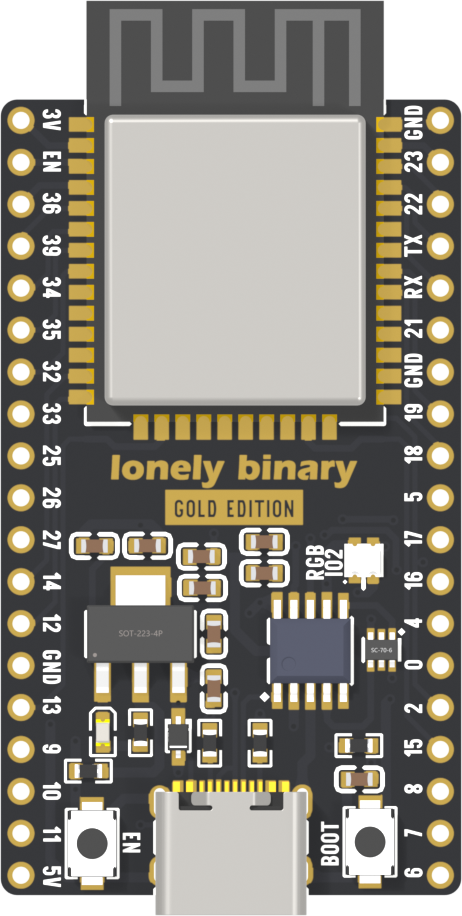
THE ESP32 LEARNING HUBSmall board.
Small board.
Endless possibilities.
From your very first upload to your next big idea. Get to know your board, build something, and find the answers you need.
Quick finds
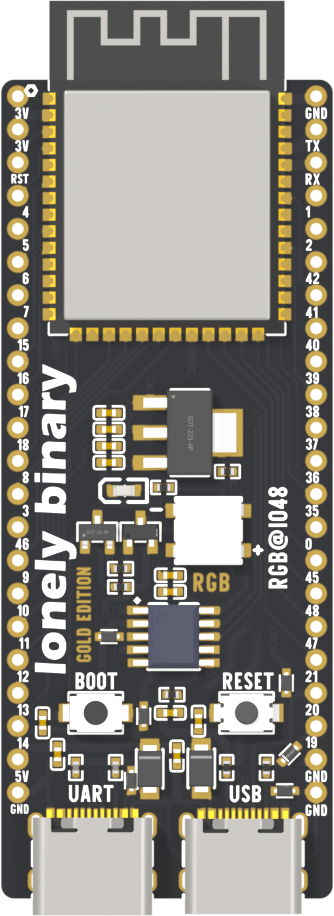
EXPLORE YOUR BOARD IN 3D
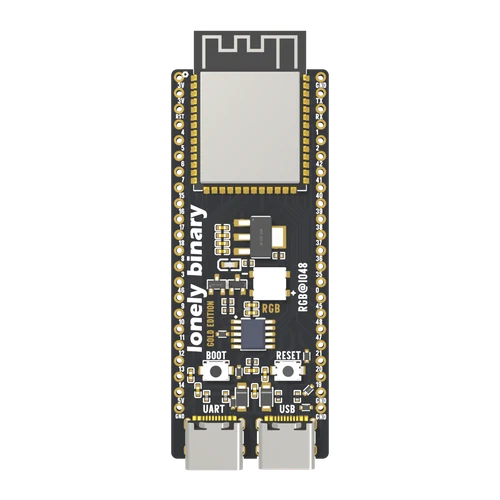 Open interactive 3D
 ESP32-S31 / 2
Click the board to explore GPIO pin functions, connectors, buttons, and onboard hardware in interactive 3D.
STEP 01 / FIND YOUR BOARD
What exactly is an ESP32? Let’s make this yours.
Match the product name and printed model. The chip family alone doesn’t identify the board.
Your board hasn’t been selected yetYou can explore everything now, and choose a board whenever you’re ready.
STEP 02 / CHOOSE YOUR TOOLS
Make yourself at home.
Choose the environment that feels right. You only need one to start.
YOUR ARDUINO IDE PATH
Install → select board → upload
02 / FOLLOW YOUR CURIOSITY
Browse every topic What will you make it do?
Start with an idea. Discover the technology that makes it possible.
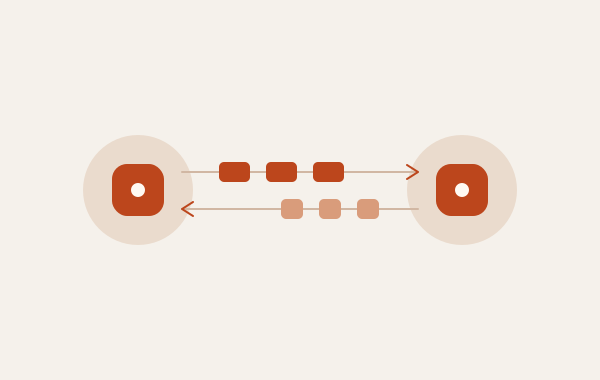
ESP-NOWNext step
Let two boards talk. No router needed.
Send a button press or a sensor reading straight from one ESP32 to another.
Two Wi-Fi-capable boardsExplore ESP-NOW
Web serverNext step
Control a light from your phone.
Serve a small web page from your board. Tap a button and make something happen.
Wi-Fi board + LED circuitExplore Web server
I²C & sensorsBeginner
Give your project a sense of the world.
Connect a sensor, read its values, and learn how devices share two wires.
Board + I²C sensorExplore I²C & sensors
Deep sleepNext step
Wake up. Take a reading. Go back to sleep.
Explore the power-saving pattern behind battery-powered sensor projects.
Board + suitable power supplyExplore Deep sleep
Bluetooth LENext step
Connect your board to a phone.
Discover Bluetooth services and share a value without joining a Wi-Fi network.
BLE-capable board + phoneExplore Bluetooth LE
OTA updatesGo further
Update your project without the cable.
Learn how a board that is already installed can receive its next program over Wi-Fi.
Wi-Fi board; first USB uploadExplore OTA updates03 / YOUR REFERENCE SHELF
An answer for every next step.
17 chapters · 81 guides. Browse a topic, or jump straight to what you need.
Exploring all ESP32 families
01Start here2 guides · What the ESP32 is, Choosing your tools
03Setup and uploading6 guides · Install the toolchain, Hello world over serial
09The board itself3 guides · The EN and BOOT buttons, The pins you cannot use
12Pins and signals5 guides · Digital I/O, PWM with LEDC
17Interrupts and timing5 guides · Interrupts on a pin, Sharing data with an ISR
22Wires on the board9 guides · Digital in and digital out, One-wire sensor timing
31Buses4 guides · I2C, SPI
35Storage5 guides · Filesystem on flash, Uploading files to LittleFS
40Joining a network6 guides · Wi-Fi station mode, Access point mode
46Living on a network5 guides · mDNS and NTP, Keeping time with time.h
51Web server4 guides · Hello world from the board, A reading on the page
55Messages on the network5 guides · HTTP from a board, MQTT and a broker
60Bluetooth4 guides · BLE server and client, A value a phone can read
64Other radios4 guides · ESP-NOW, ESP-WIFI-MESH
68Sleep and wake-up6 guides · Deep sleep and wake sources, Hibernation, the floor below sleep
74Power3 guides · Power and the 3V3 rail, Battery and power budget
77System5 guides · Dual core tasks, Crash dumps and the watchdog
LET’S GET YOU UNSTUCK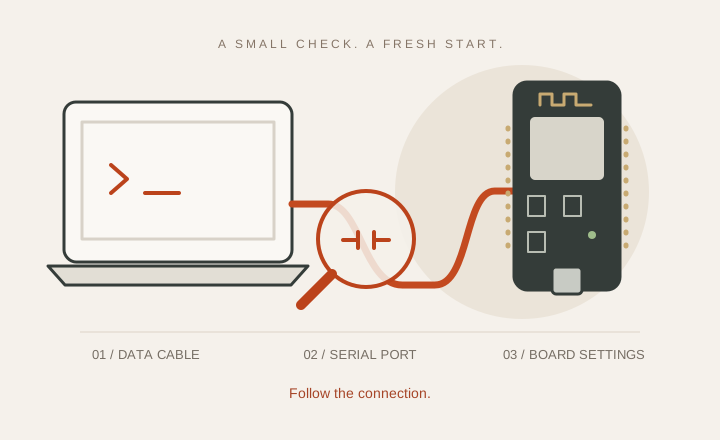
Illustration · Check the cable, serial port and board settings
Something not working?
You don’t need to know the technical name. Start with what you’re seeing.
My computer cannot find the boardCheck the cable, USB port, and driver.My program will not uploadBoard selection, BOOT mode, and connection errors.The upload worked, but I see nothingCheck the serial port, baud rate, and output settings.My board will not connect to Wi-FiNetwork credentials and connection checks.Ask the community
A board, a cable, a little curiosity. You’re ready to begin.Take the first step