
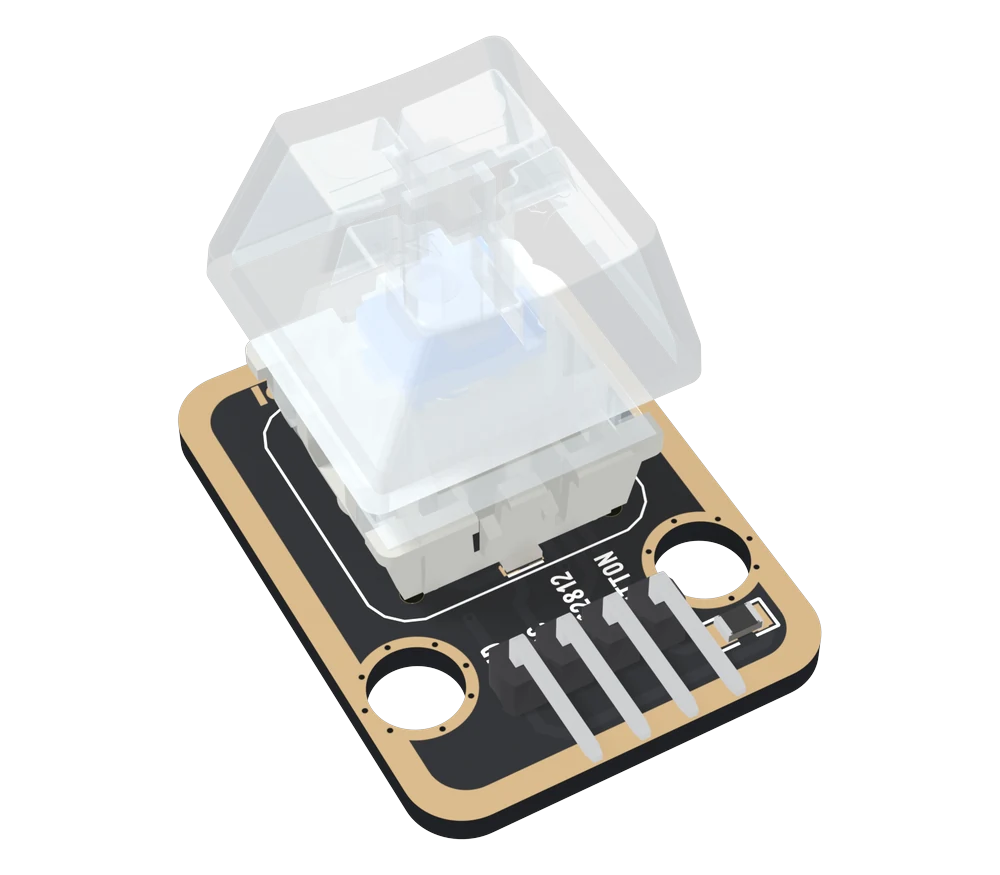
The whole handbook9 articles · 40 minQuick referencePDF · 367 KBMechanical Key model (GLB)GLB · 9.2 MBMechanical Key CAD (STEP)ZIP · 1.2 MBMechanical Key drawing (PDF)PDF · 2.1 MBMechanical Key drawing (DXF)ZIP · 47 KBXL-2020 WS2812B datasheetPDF · datasheet.lcsc.comPinout and specsThe pin table, and the questions people ask first
Community
Ask a question ↗Product questions
See what other owners have asked, and read their solutions.
Mechanical Key and LED
Loading discussions…
Need another
Not on general sale yet. Reply to your order and we will sort out a spare — quote tk96.
Order or missing parts?
Email us or reply to your order, and quote tk96 — that identifies the product. If something is missing from the bag, your order is the record of what shipped.
Take it with you
Point a phone camera at the code and this page opens there. It is the same address as the one printed on your box, so it is also what to show someone you are passing the board to.