
Radio waves and channels
Wi-Fi at 2.4 GHz is a radio wave about 12 cm long. The band is cut into channels 5 MHz apart, each about 20 MHz wide, so neighbouring channels overlap, and which ones a board may use depends on the country.
A wave about 12 cm long
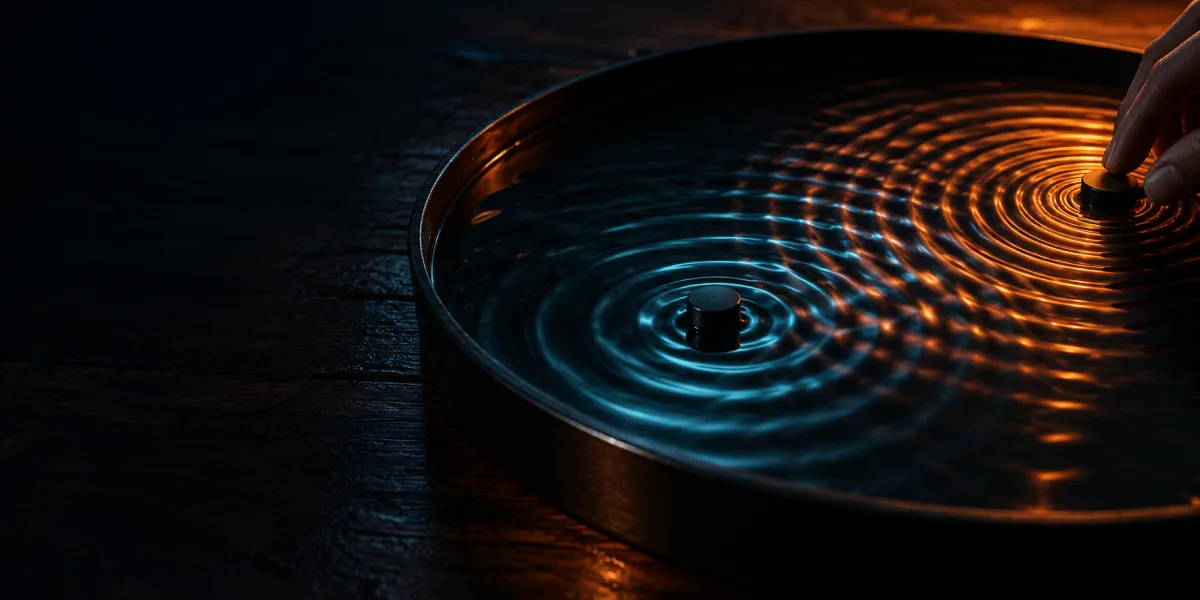
A wavelength is the speed of light divided by the frequency: about 12.5 cm at 2.4 GHz and about 6 cm at 5 GHz. It is not how long an antenna has to be. The ripples on the bench are slow stand-ins so the eye can follow them; the real wave crosses a house in well under a millionth of a second.
Channels 5 MHz apart, 20 MHz wide
The 2.4 GHz band is numbered in channels 1 to 13, centred at 2412 MHz plus 5 MHz a step. A modern Wi-Fi channel is about 20 MHz wide, so each one spreads over its neighbours on both sides. Channel 6 and channel 8 share about half their width. Channel 6 and channel 11 share nothing.
On the same channel, two networks are one shared stretch of air: every radio decodes the other network's frames, discards them by address, and the two take turns. On an overlapping channel the other network's signal is energy the radio cannot decode. It is interference, and it can spoil a frame in the middle of being received. Clear of each other, the two networks do not meet at all.
In North America the usual three are 1, 6 and 11. Australia and Europe allow channels up to 13, and most networks still pick 1, 6 or 11.
The board's country
Out of the box, ESP-IDF uses the worldwide safe setting, country "01": channels 1 to 11. To use 12 and 13 where they are legal, set the country with esp_wifi_set_country(). It sets channels and power limits; it is not a licence to exceed the local law. A router on channel 13 and a board left on the default is a network every phone in the house sees and the board does not.
5 GHz and 6 GHz
5 GHz has many more channels that do not overlap. On some of them an access point must listen for radar before using the channel and move off it if radar appears. The rules are country by country; Australia leaves part of the band to weather radar. So are the 6 GHz rules: the US in 2020, and Australia allows the lower part.
Most ESP32 chips are 2.4 GHz only; the ESP32-C5 also does 5 GHz. The code for joining a network is in the ESP32 book, from station mode.
Common mistakes
- Picking channel 8 to stay clear of a neighbour on 6. The two overlap. Share 6 with them, or move to 1 or 11.
- Expecting a board to find a router on channel 12 or 13. With its country unset it scans 1 to 11. Set the country.
- Buying a 2.4 GHz-only board for a 5 GHz-only network. It never sees the network. Only the C5, of the ESP32 chips here, does 5 GHz.
Edit this page — content/fundamentals/wifi/radio-waves-and-channels.mdx
Discuss this article
Ask about this page. The answer stays here, on the page it belongs to, for whoever hits the same wall next.