
magnet
4 pages across tutorials, modules, pinouts and guides.
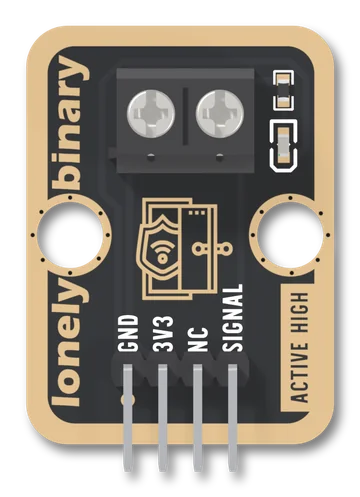
Door Sensor
A TinkerBlock board that takes the two bare wires of a magnetic door or window sensor on a screw terminal and puts it between VCC and SIGNAL. A closed sensor reads HIGH; open, SIGNAL floats, because the board has no pull-down, so you set one in setup(). The red LED lights while the sensor is closed: it is not a power light.
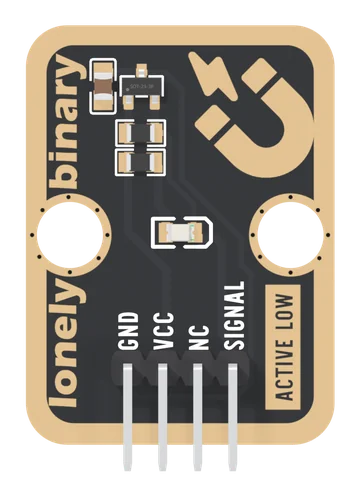
Hall Effect Sensor
An omnipolar Hall switch on a TinkerBlock board: bring either pole of a magnet near and SIGNAL goes LOW and a red light comes on. No contact to wear out, it works through plastic, and it looks at the field every 22 ms, so it is made for doors, lids and slow wheels.
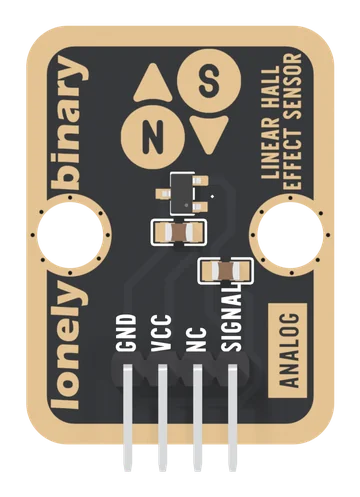
Linear Hall Effect Sensor
An SS49E-type linear Hall sensor on a TinkerBlock board: an analog voltage that rests at half of VCC with no field and moves about 3.25 mV per gauss at 5 V, up for one pole and down for the other. It tells you how strong a magnetic field is and which way it points. VCC must be your board's logic voltage, and it is not a current sensor on its own.
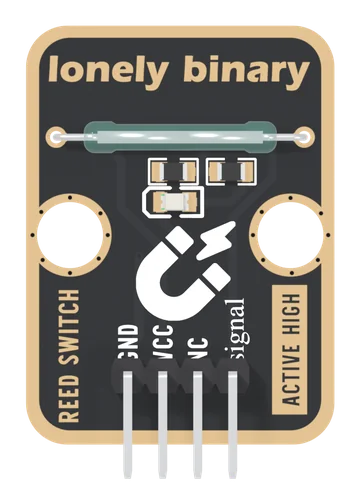
Reed Switch
A glass reed switch on a TinkerBlock board: two blades that a magnet pulls shut, from either pole, with no power needed to sense. It sits between VCC and SIGNAL with a 10 kΩ pull-down, so a magnet reads HIGH, and a red LED lights while it is closed. It draws nothing while open, and VCC must be your board's logic voltage.