
switch
6 pages across tutorials, modules, pinouts and guides.
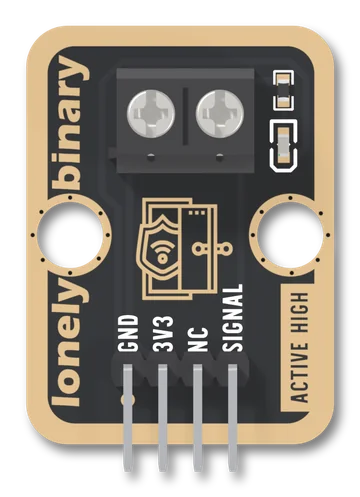
Door Sensor
A TinkerBlock board that takes the two bare wires of a magnetic door or window sensor on a screw terminal and puts it between VCC and SIGNAL. A closed sensor reads HIGH; open, SIGNAL floats, because the board has no pull-down, so you set one in setup(). The red LED lights while the sensor is closed: it is not a power light.
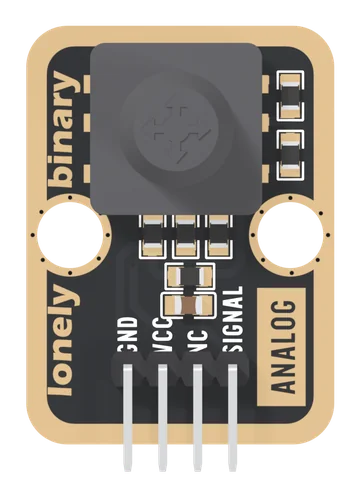
Five-Direction Joystick
A five-way navigation switch on one analog pin: four tilts and a press, each joining SIGNAL to its own point of a chain of 10 kΩ resistors, so each push is its own voltage. Read it with analogRead, not digitalRead. VCC is your board's logic voltage.
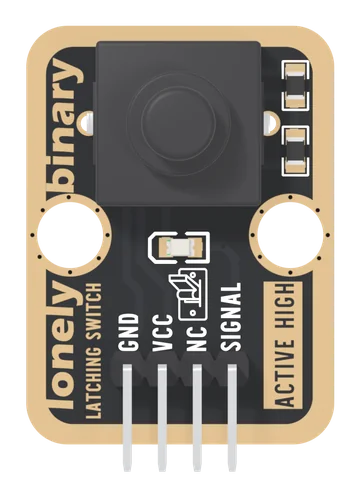
Latching Button
A push-on, push-off switch with its pull-down and a red indicator LED already fitted: one press turns SIGNAL HIGH and it stays HIGH, through a reset or a power cut, until the next press.
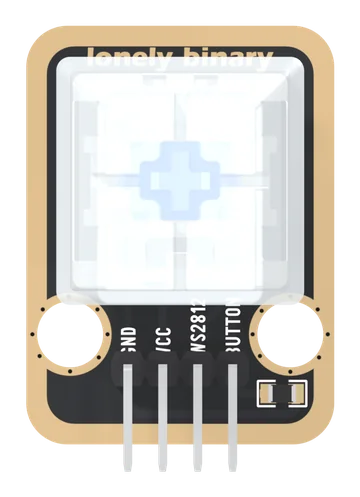
Mechanical Key and LED
A keyboard switch with a WS2812 RGB LED under its clear keycap, as two separate circuits: the key reads HIGH when pressed through its own 10 kΩ pull-down, and the LED shows whatever colour your sketch sends it. VCC is your board's logic voltage.
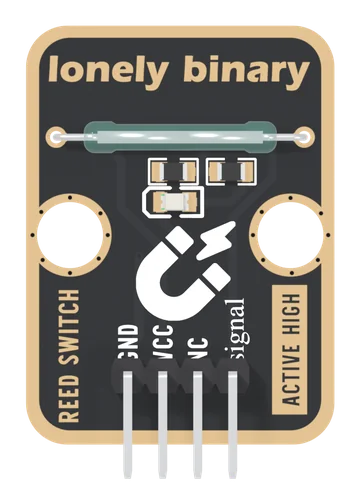
Reed Switch
A glass reed switch on a TinkerBlock board: two blades that a magnet pulls shut, from either pole, with no power needed to sense. It sits between VCC and SIGNAL with a 10 kΩ pull-down, so a magnet reads HIGH, and a red LED lights while it is closed. It draws nothing while open, and VCC must be your board's logic voltage.
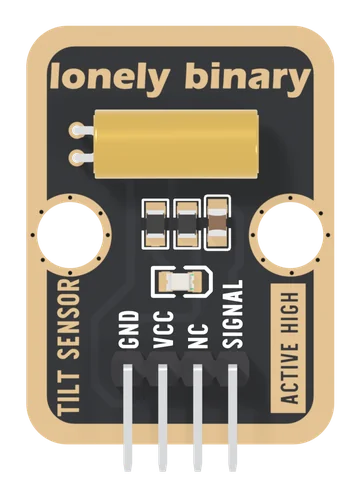
Tilt Sensor
An SW-520D ball tilt switch on a TinkerBlock board: two steel balls in a brass can that close the switch when its lead end, the board's left edge, is the lower one. It sits between VCC and SIGNAL with a 10 kΩ pull-down and a 100 nF, so left edge down reads HIGH, and a red LED lights while it is closed. It draws nothing while open, reads nothing definite near level, and VCC must be your board's logic voltage.