Receipts and labels are different machines
One kit prints receipts on a continuous roll, the other prints die-cut labels with a gap between them. They share a base board and a paper width, and disagree about almost everything a sketch cares about.
Same paper, different machines
Both printers put down 8 dots per millimetre — 203 dpi — across a line of 384 dots, which works out at 48 mm of printable width on 58 mm paper. That much they share, along with the base board and the 9 V it makes.
What differs is the shape of the paper and, following from it, everything else.
The receipt printer
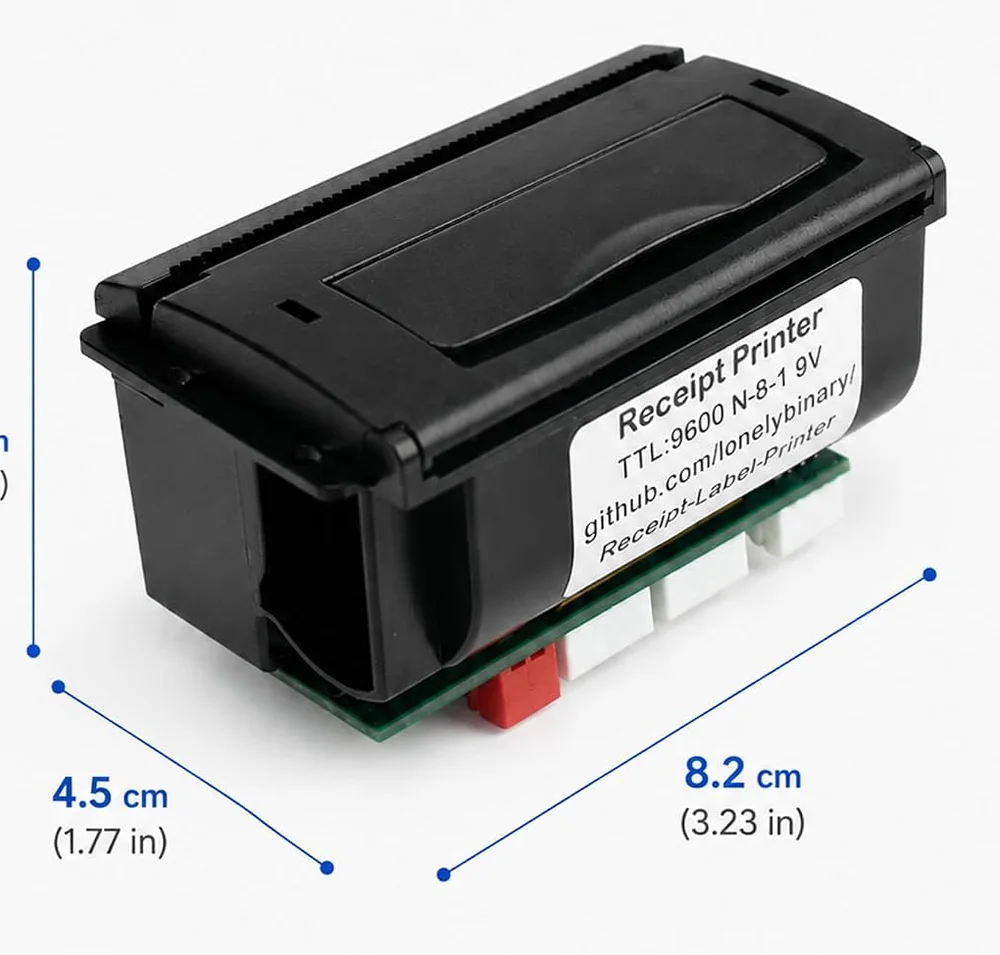
A continuous roll, no marks on it, nothing to line up. You send text and it feeds as much paper as the text needs. It speaks ESC/POS, the command set almost every till printer in the world understands, at 9600 baud.
The label printer
Labels are die-cut rectangles on a backing strip with a gap between each one. A
sensor looks through that gap, so the printer always knows where a label starts
— and every job therefore has a size, a frame and a moment where it prints,
rather than being a stream of characters. It speaks label mode, a different
command family whose commands begin 1A, at 115200 baud.
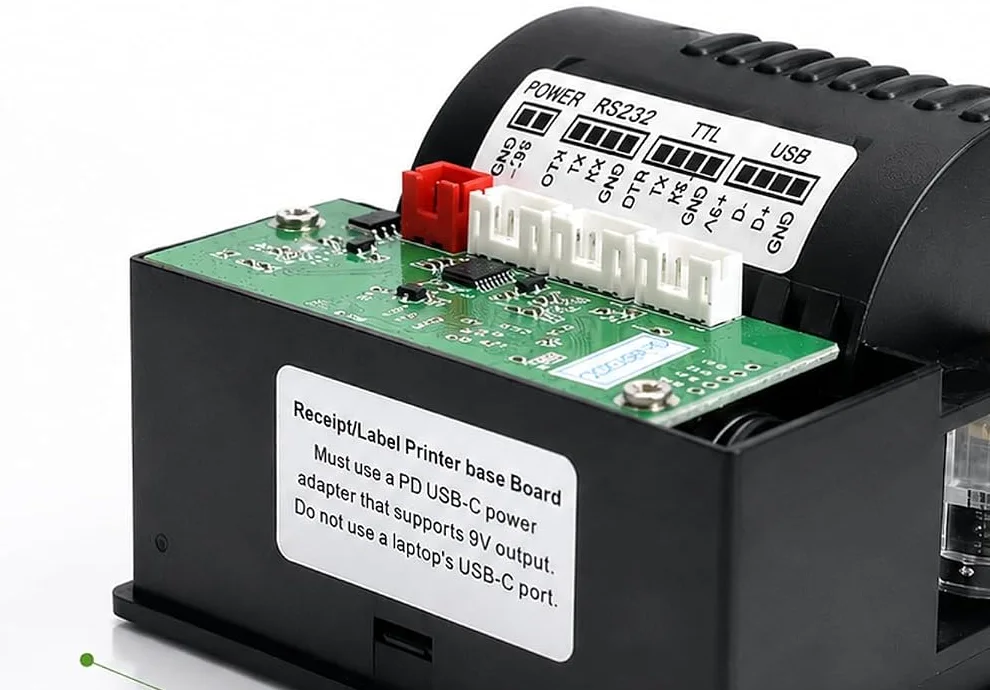
It also has a USB socket the receipt printer does not, for driving it from a computer rather than a microcontroller. That is a different project from this book, which goes in on the TTL header on both machines.
When it does not work
Look at the sticker on the back of the printer. The receipt printer's reads TTL:9600 N-8-1 9V and the unit is a long rectangle about 82 mm across. The label printer's reads TTL 115200 N-8-1 9V and the unit is a square about 85 mm on a side with a tear bar along the front.
It can print on continuous paper if you load some, but it expects to find a gap and will feed looking for one. The reverse is worse: a receipt printer has no gap sensor at all, so label stock runs through it with the text landing wherever it happens to land.
No, and this is the single biggest source of wasted evenings with these kits. The receipt printer takes ESC/POS commands that begin 1B or 1D; the label printer takes label-mode commands that begin 1A. The baud rates differ too. Start from the sketch folder that matches your printer.
Same paper. 58 mm is the trade name for the roll, 57.5 mm give or take half a millimetre is what it actually measures, and neither is the number that matters for layout — that one is the 48 mm the head can print across.
Printer power, printer data, your board, and the charger last. Why that order and not another.
Four plugs, in order →Edit this page — content/books/thermal-printer/the-two-printers.mdx
Questions about this product
See what other owners have asked, and read their solutions.
This page covers several products. Choose yours to see the right discussions.
Discuss this article
Ask about this page. The answer stays here, on the page it belongs to, for whoever hits the same wall next.