tinkerblock
99 pages across tutorials, modules, pinouts and guides.
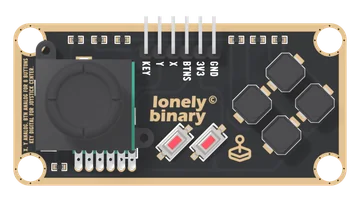
Slim Joystick
A thumb stick and six buttons on one long TinkerBlock board, on six pins. X and Y are two potentiometers, read on analog pins; KEY is the click under the stick, LOW at rest and HIGH when pushed; and all six buttons share BTNS, one analog pin, through a ladder of 10 kΩ resistors that gives each its own voltage. One button reads at a time.
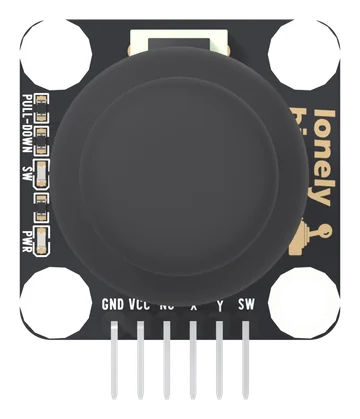
Dual Axis Joystick
A thumbstick on a square TinkerBlock board, on six pins: GND, VCC, NC, X, Y and SW. X and Y are two potentiometers from VCC to GND, read on analog pins; SW is the click under the stick, LOW at rest and HIGH when pressed, with its own pull-down. Every line reaches VCC, so VCC is your board's logic voltage. A PWR light and an SW light show power and each click.
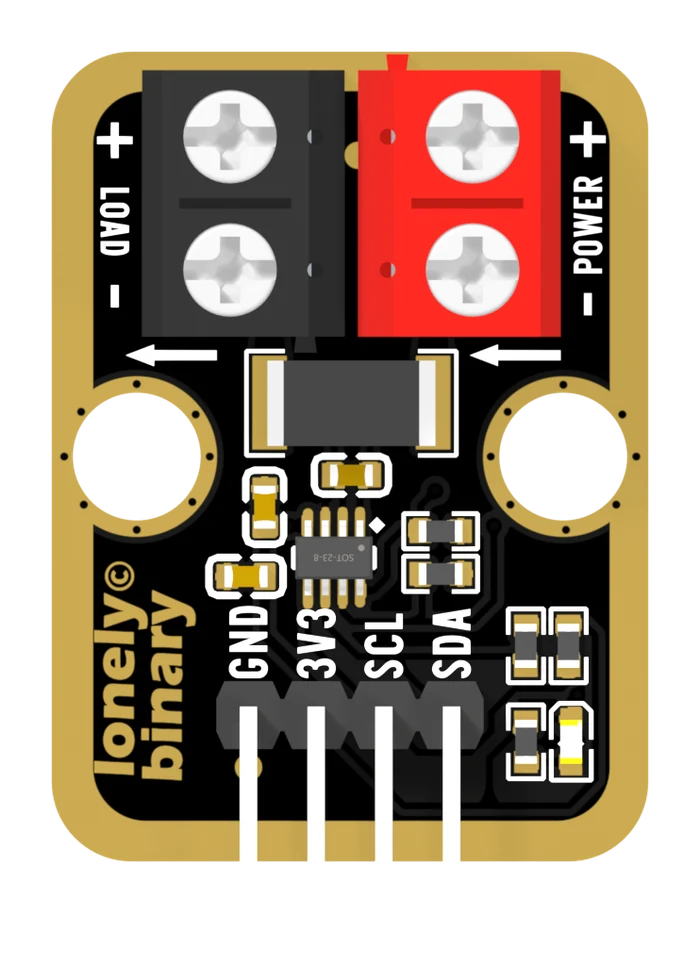
INA219 Current Monitor
A 100 milliohm resistor in the positive wire and a chip that reads the millivolts across it. Current, voltage and power over I²C, up to 3.2 A on a rail of up to 26 V.
SHT31 Temperature and Humidity Sensor
A Sensirion SHT31 on a TinkerBlock carrier: two numbers over two shared wires, calibrated at the factory, with the pull-ups already fitted and two jumpers on the back that set the address and take them away again.
1. Arduino IDE Installation & Environment Setup
Complete download, installation, and basic setup of Arduino IDE on Windows for programming with the TinkerBlock kit.
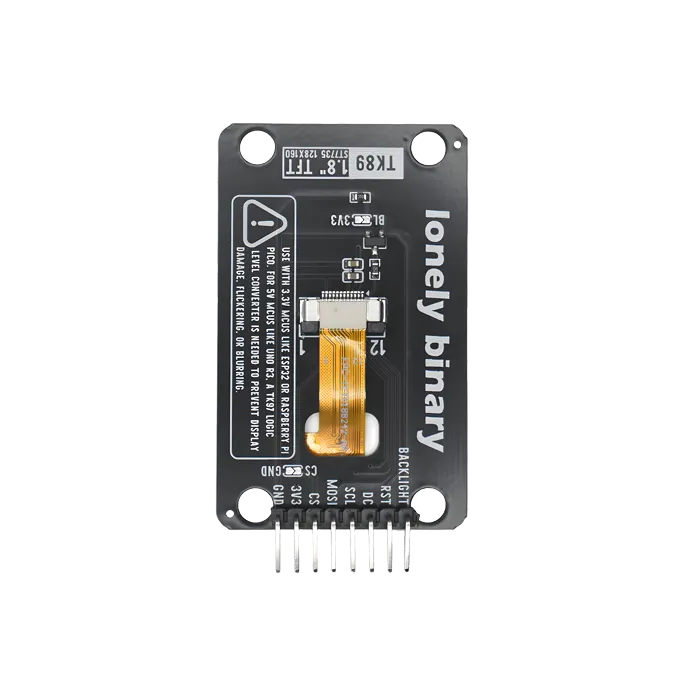
1.8-inch TFT Display
160 by 128 in colour over SPI. Enough pixels for a dashboard, few enough to redraw quickly — and the display that teaches you about partial updates.
10. Tilt Sensor
Learn the tilt sensor.
11. Potentiometers
Learn analog input and variables; use analogRead() to read the potentiometer and achieve outcome: when you turn the knob the serial monitor shows 0–1023, and the LED on D9 changes brightness (optional).
12. NTC Thermistor
Learn to read NTC with analog input and do simple conversion; outcome: serial continuously shows raw value (0–1023) and converted voltage (0–5V); values change when you warm the module.
13. Ambient Light Sensor
Learn to read light with analog input; outcome: serial shows light value (0–1023)—cover light and value drops, shine light and value rises.
14. Knock Sensor
Learn the knock sensor; outcome: tap the module and the LED turns on; stop and it turns off.
15. Multiple Sensors with Serial
Review: combine potentiometer and button; outcome: serial shows potentiometer value and button state (pressed/released) at the same time, and the button still controls the LED.
16. PWM Fading LED
Learn PWM and analogWrite(); use a for loop for outcome: LED fades from dim to bright and back to dim—a breathing light.
17. Passive Buzzer
Learn tone() and noTone(); outcome: buzzer plays Do, Re, Mi in sequence then stops; can be extended to simple melodies.
18. Active Buzzer
Learn to control the active buzzer with digitalWrite() and const; outcome: buzzer on 0.5 s, off 0.5 s, repeat.
19. Vibration Motor
Learn to control the motor with digitalWrite() or analogWrite(); outcome: motor vibrates 0.5 s, stops 0.5 s, repeat; optional PWM for strength.
2. First Program: Blink
Write your first program to make TK01 blink; understand setup/loop and digital output.
20. RGB Color Mixing
Learn to control RGB with analogWrite() on three channels; outcome: cycle through red, green, blue, white, yellow, purple, cyan, about 1 s each.
21. TM1637 4-Digit Display
Learn library install and use; control the 4-digit display with TM1637Display library; outcome: display counts up from 0 to 9999, changing every 0.5 s, then repeats.
22. Matrix LED
Learn to control the 8×8 matrix with LedControl library and arrays; outcome: matrix shows a heart pattern for about 1 s, then clears, repeat.
23. Custom Functions
Learn custom functions; outcome: wrap “on 200 ms, off 200 ms” in myBlink(), call it from loop, LED blinks at a fixed rhythm.
24. 1.8 Inch TFT Display
Learn to drive the TFT with Arduino_GFX library; outcome: screen first shows "Hello!", then cycles "TFT Screen" and full-screen red, green, blue.
25. WS2812 RGB LED Bar
Learn to control the WS2812 bar with FastLED library; outcome: one red LED moves along the bar in sequence—a running light.
26. IR Communication
Learn infrared communication (one board receives, one sends); outcome: sender sends IR codes on a timer, receiver prints received codes on serial; you can also point a normal remote at the receiver and see the key codes.
27. NTC Thermistor Temperature Sensor
Learn to use analog input and the Beta equation to convert NTC thermistor voltage to temperature.
28. EEPROM Memory
First use of I2C: read/write EEPROM with Wire library; outcome: write a value (e.g. 123) to EEPROM, power off and on, read from the same address—data is still there, proving it survives power loss.
29. ADC Concept
Learn ADC (Analog-to-Digital Conversion); outcome: serial prints A0 analog value (0–1023) and D2 digital value (0 or 1) together so you see continuous vs discrete, multi-level vs two-level.
3. Digital Input: Button
Use the button as digital input; learn to combine digitalRead() with digitalWrite().
30. Rotary Encoder
Use the rotary encoder for rotation direction and button; outcome: turn encoder to adjust LED brightness (CW brighter, CCW dimmer), press encoder button to toggle LED (off/on), and when turning on again the previous brightness is restored.
31. I2C Temperature LM75
Use Wire library for I2C to read LM75 temperature; outcome: serial continuously shows temperature (°C); warming the sensor makes the value rise.
32. I2C Matrix Keypad
Use Wire library to scan the matrix keypad over I2C; outcome: when you press a key, serial prints the character (0–9, A–D, , #).
33. Steam Sensor
Use analog input to read the steam sensor; outcome: serial shows steam value (0–1023); breathing on the sensor or spraying water vapor raises the value.
34. Joystick
Use analog input to read joystick direction; outcome: serial shows “Up / Left / Down / Right / Press / Center”; when you push a direction the LED is on, when you press or center the LED is off.
35. Voltmeter
Use analog input to measure voltage and convert to real value; outcome: serial shows voltage (V); with the module’s divider you can display about 0–25V.
36. Piezo Sensor
Use analog input to read the piezo sensor; outcome: serial shows pressure/vibration value (0–1023); tapping or pressing increases the value.
37. Extreme Bright Dual LEDs
Use PWM to control warm white (3000K) and cool white (6500K) separately; outcome: show warm white, then cool white, then mixed light, each about 2 s, repeat.
38. Project: Temperature Humidity Display
Project: read temperature and humidity and display; outcome: serial shows temperature and humidity continuously, or 4-digit display shows temperature (integer).
39. Project: Button Buzzer LED
Project: one button controls LED and buzzer; outcome: press = LED on and buzzer on, release = LED off and buzzer off.
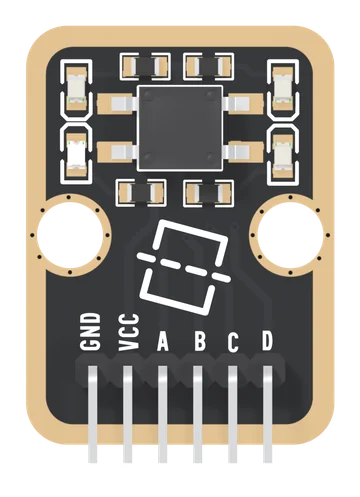
4-Direction Tilt Sensor
One metal roller in a square switch with four corner contacts, on a TinkerBlock board: tip an edge down and the roller joins that side's two lines. Your board finds which pair by holding one line LOW and reading who follows. Four answers and none, no angle, and four red LEDs that light when a line is held LOW.
4. Traffic Light
Control three LEDs in sequence; learn multi-pin digital output and #define.
40. Project: Potentiometer Control
Project: use potentiometer to control output; outcome: knob controls LED brightness (or buzzer pitch), serial shows potentiometer value and brightness/frequency.
41. Project: IR Remote LED
Project: control LED with IR remote; outcome: one button turns the LED on, another turns it off; serial prints each button's command and the action.
42. Project: Joystick Control
Project: joystick direction and button control LED and buzzer; outcome: up = LED on, down = LED off, left = low tone, right = high tone, press = buzzer off; serial prints current action.
43. Project: EEPROM Settings
Project: save LED on/off state in EEPROM; outcome: button toggles LED and writes state to EEPROM; after power off and on, state is read from EEPROM and LED is restored.
44. Project: TFT Sensor Display
Project: show sensor data on TFT; outcome: screen refreshes periodically with current temperature and humidity (Temp: xxC, Humi: xx%).
45. Final Project: Free Integration
Final project: combine what you learned into one project; outcome: choose a theme (e.g. smart lamp, temp/humidity alarm, remote LED), finish wiring, code, and test—wrap up the course.
5. Serial Monitor Debugging
Learn to use the serial monitor and Serial to print.
6. RGB LED
Control three RGB LED channels; learn multi-channel digital output and #define.
7. Latching Button
Learn the latching button and state hold.
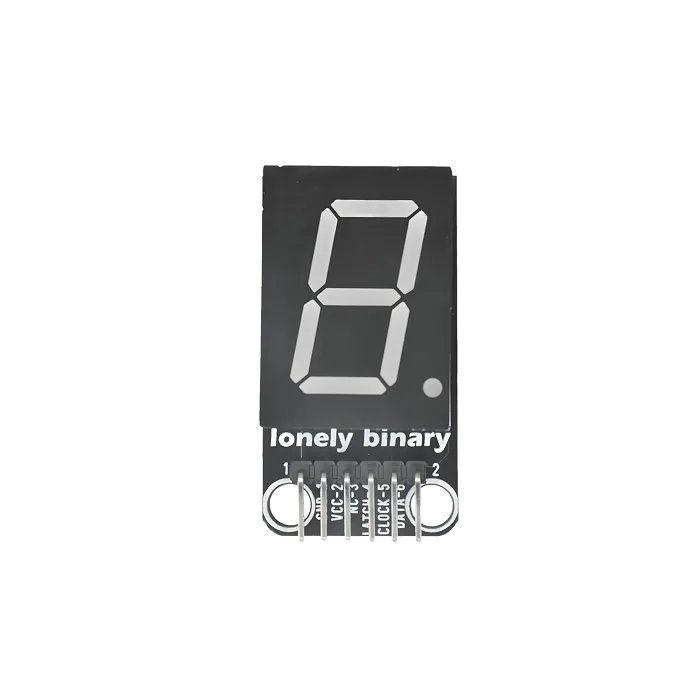
74HC595 Segment LED
Segment digits driven through a shift register: three pins for eight outputs, and the trick worth learning once because it applies to everything.
8. Collision Sensor
Learn the collision sensor.
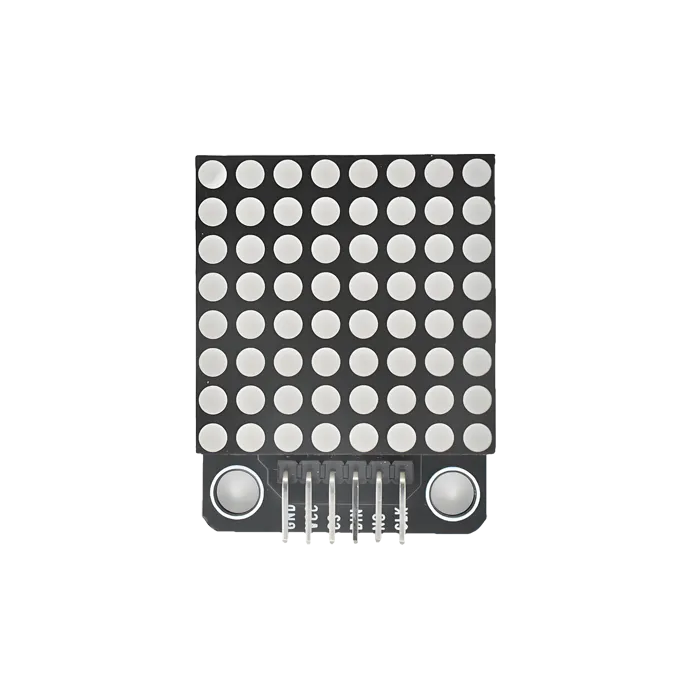
8x8 LED Matrix
Sixty-four LEDs and a MAX7219 that scans them for you. Two boards share this page — the TinkerBlock TK52 and the chainable module that comes three to a box — and only one of them can be chained.
9. Touch Sensor
Learn the touch sensor.
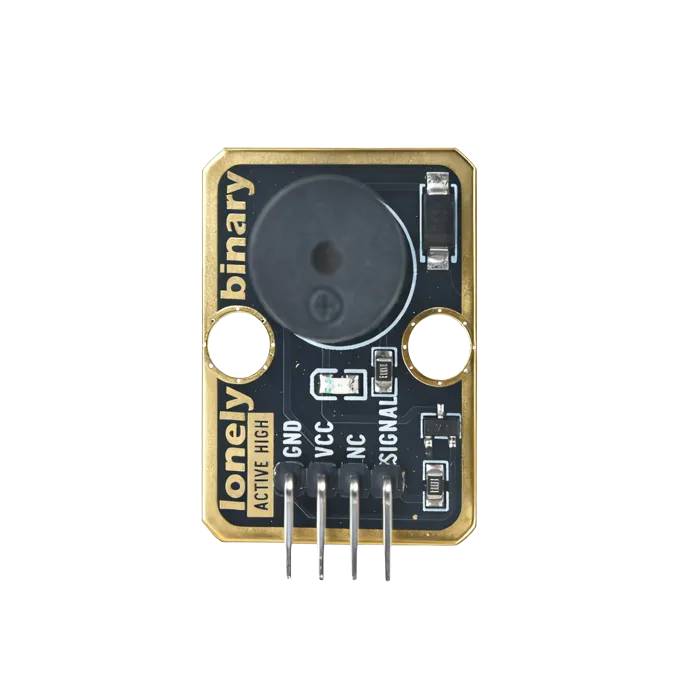
Active Buzzer
One pin, one tone. It makes a noise when you set the pin high, and that is genuinely the whole story.
Ambient Light Sensor
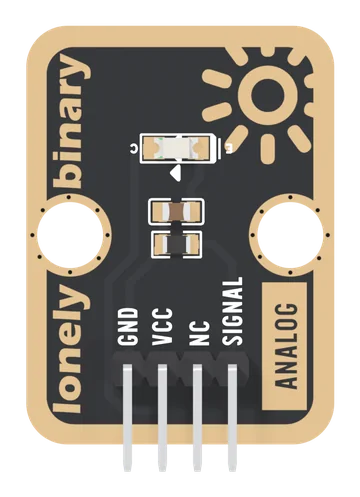
A phototransistor and a 4.7 kΩ resistor on a TinkerBlock board: light makes a current, the resistor turns it into a voltage, and SIGNAL rises with the light. A lit room reads low on the scale, bright light flattens just under VCC, and it sees near infrared best.
Analog Microphone
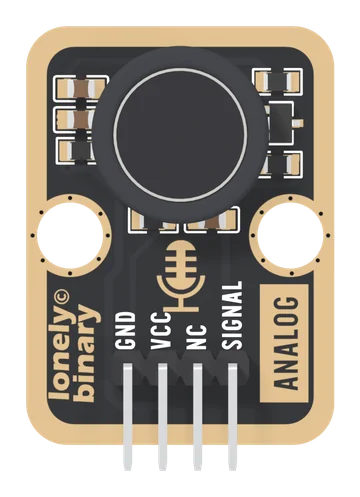
An electret capsule and a one-transistor amplifier on a TinkerBlock board. SIGNAL rests at a level set by the transistor's gain and swings above and below it with sound, in a band of roughly 75 Hz to 1 kHz. Read the peak-to-peak over 50 ms: it hears claps, knocks and loud voices, and it is not a recording microphone.
Analog to Digital Signal
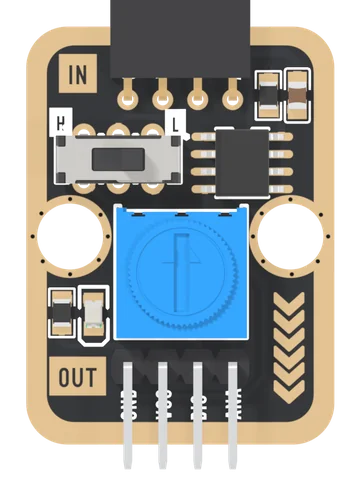
An LM393 comparator on a TinkerBlock board: plug an analog block into the IN socket, set a threshold with the blue knob, and DIG tells your board whether the block's voltage is above or below it. The block's own voltage passes through on ANA, and a slide switch printed H and L turns the answer over.
Collision Sensor
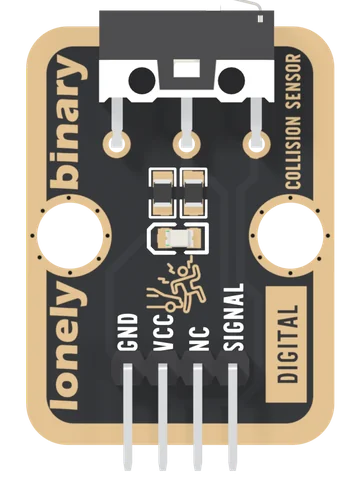
A lever microswitch with its 10 kΩ pull-down and a red hit light already fitted: SIGNAL reads HIGH while the lever is pushed in. The bumper for a TinkerBlock robot, and the sense that never reports a wall that is not there.
DHT11
The DHT22's cheaper sibling on the same board design: whole degrees, five per cent humidity, and a range that stops at 0 °C. Right for learning, wrong for anything you will act on.
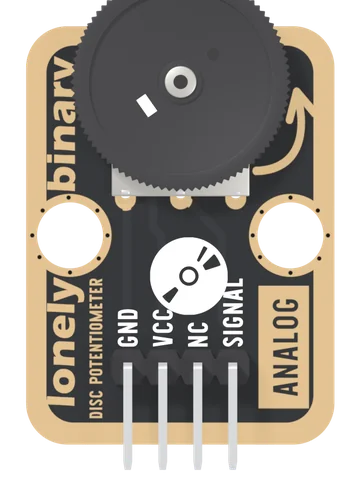
Disc Potentiometer
A 10 kΩ thumbwheel potentiometer wired as a voltage divider: turn the wheel and SIGNAL runs from 0 V to VCC, read by one analog pin. The wheel lies flat and overhangs the board's edge, so a thumb turns it from the side.
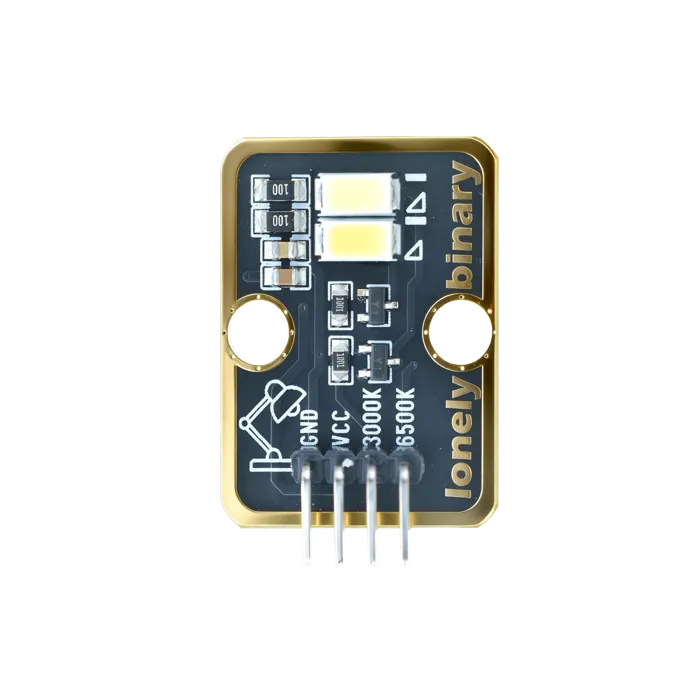
Dual Bright LEDs
Two high-output LEDs with the resistors already fitted. A torch, or a flash for a robot's camera — and enough current draw to matter.
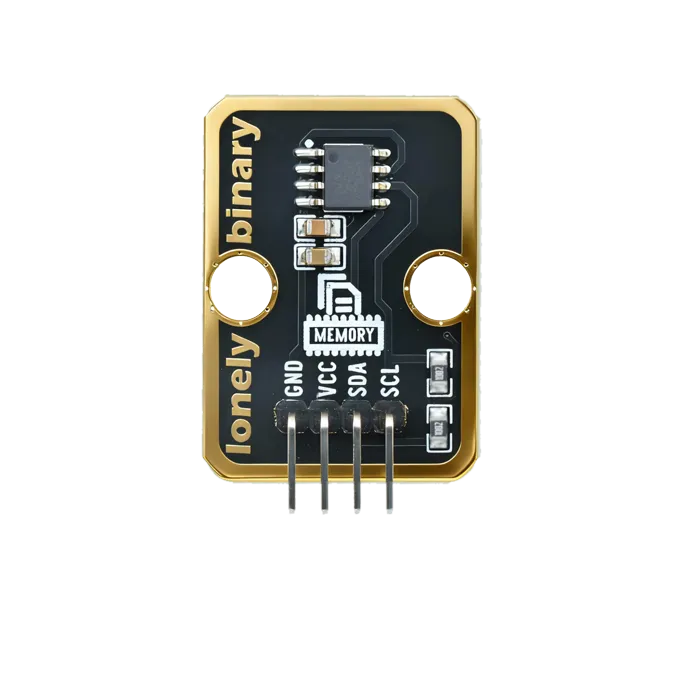
EEPROM Memory
Bytes that survive a power cut, over I2C. Where settings go when there is no SD card — and the chip that teaches you writes are not free.
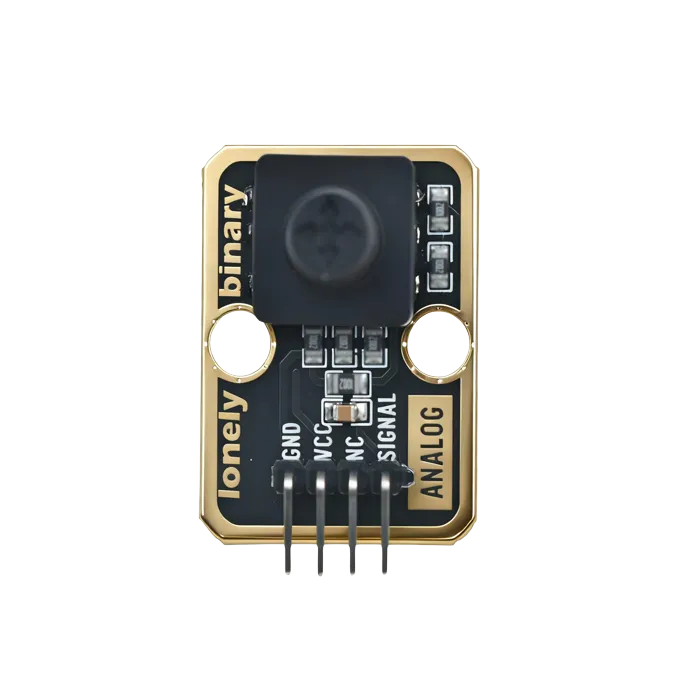
Five-Direction Joystick
Four directions and a centre press wired as five switches — menu navigation with no ADC and no dead-zone maths.
Hall Effect Sensor
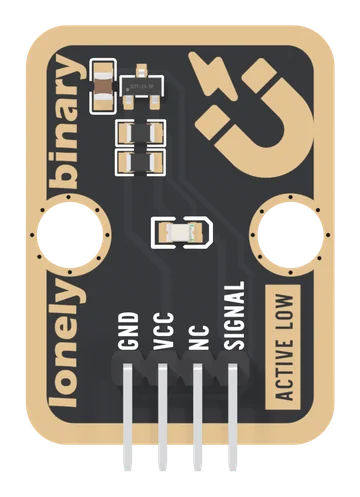
An omnipolar Hall switch on a TinkerBlock board: bring either pole of a magnet near and SIGNAL goes LOW and a red light comes on. No contact to wear out, it works through plastic, and it looks at the field every 22 ms, so it is made for doors, lids and slow wheels.
Infrared Photodiode
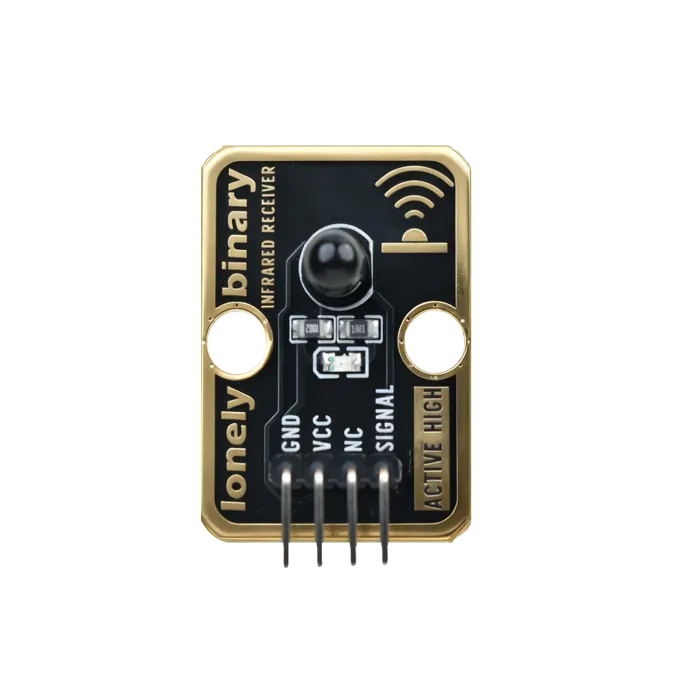
The receiving half of a break-beam pair, without the 38 kHz demodulator a remote needs — so it reports light level rather than messages.
Infrared Speed Sensor
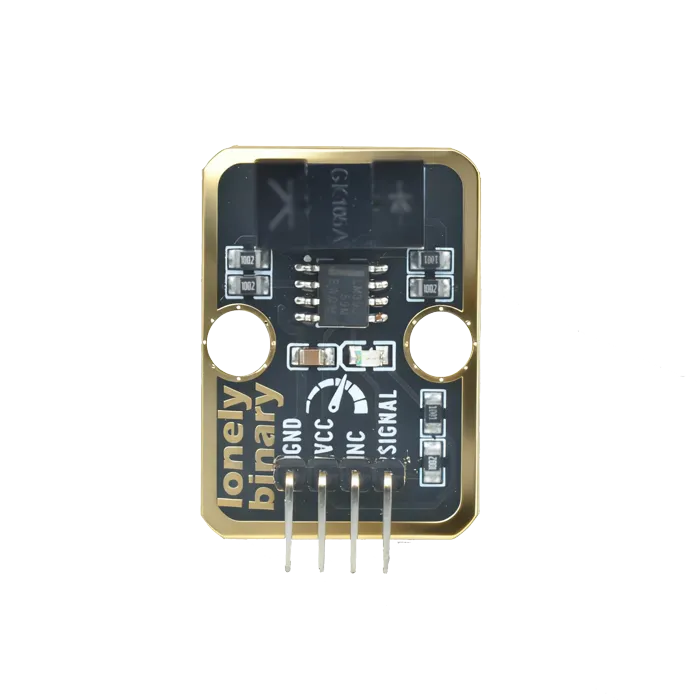
A slotted optical gate. Put an encoder disc through it and you can count revolutions — reliably, at speeds a mechanical switch could not survive.
Infrared Transmitter
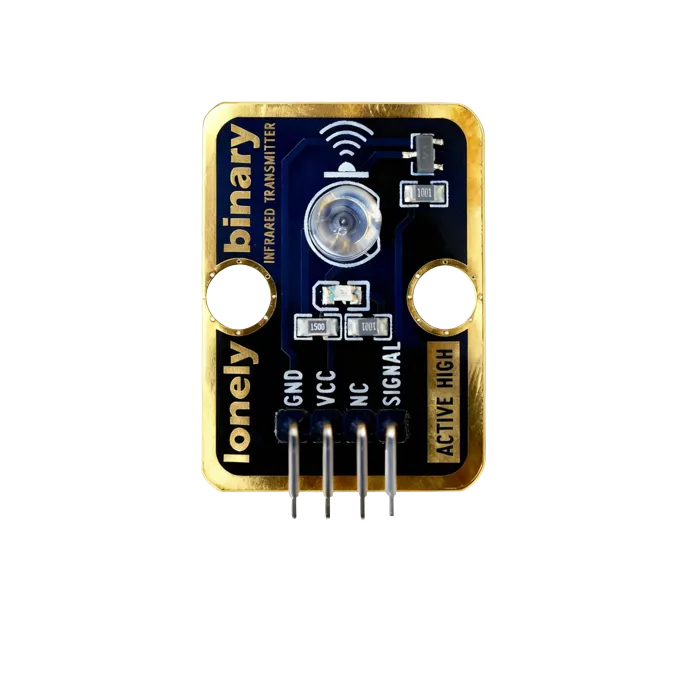
A bare infrared LED for line-of-sight signalling and the sending half of a break-beam pair — no carrier, no protocol, just light you cannot see.
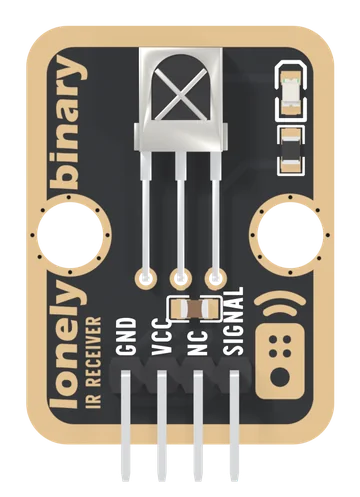
IR Receiver
A Vishay TSOP18138 38 kHz infrared receiver on a TinkerBlock board: SIGNAL idles HIGH and goes LOW while a remote sends, and the IRremote library turns those lows into an address and a command.
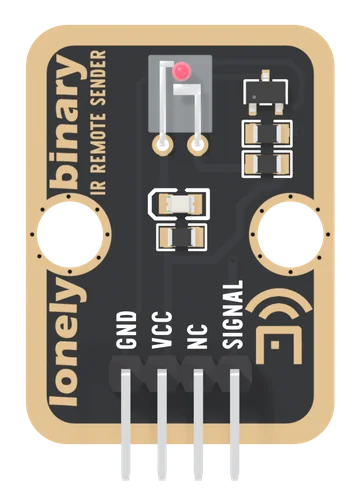
IR Sender
An Everlight IR908-7C 940 nm infrared LED, switched by a transistor, on a TinkerBlock board. SIGNAL HIGH lights it; your microcontroller makes the 38 kHz carrier, and one 150 Ω resistor decides how far it reaches.
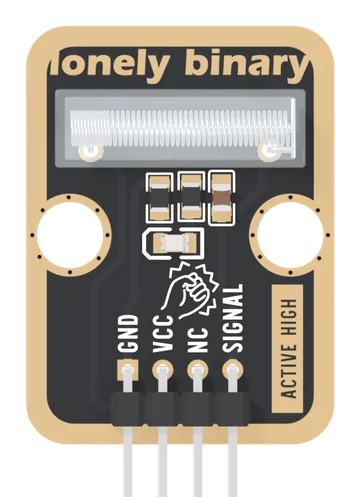
Knock Sensor
A spring vibration switch with its 10 kΩ pull-down, a 100 nF capacitor and a red flash light already fitted: SIGNAL goes HIGH for a moment each time a knock swings the spring onto its rod. A tap on a table as a button, a door that was knocked, a box that was dropped.
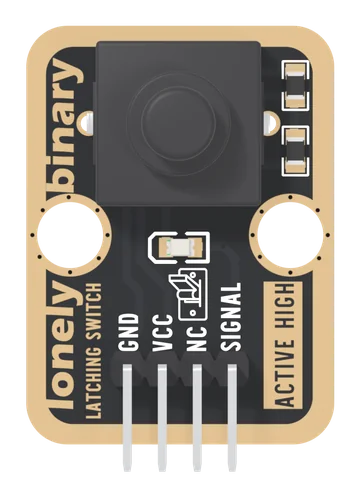
Latching Button
A push-on, push-off switch with its pull-down and a red indicator LED already fitted: one press turns SIGNAL HIGH and it stays HIGH, through a reset or a power cut, until the next press.
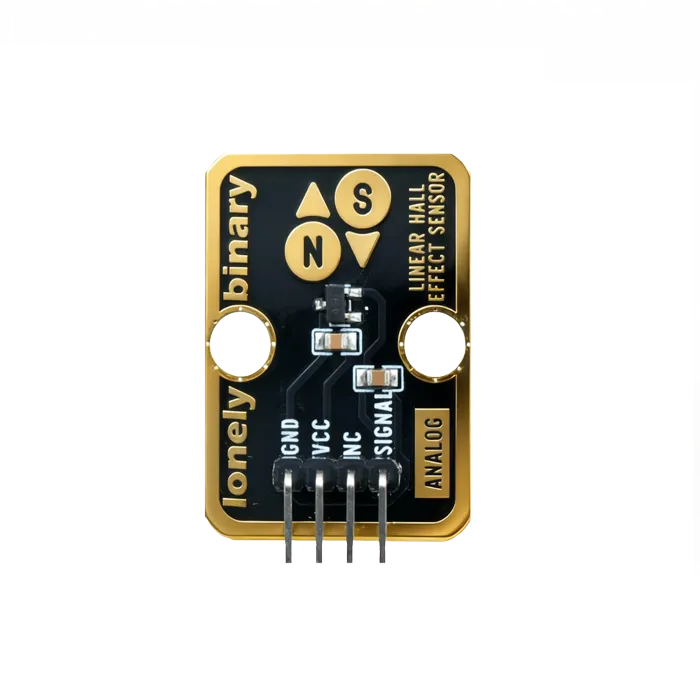
Linear Hall Effect Sensor
Magnetic field strength as a voltage rather than just present or absent. Contactless current sensing starts here.
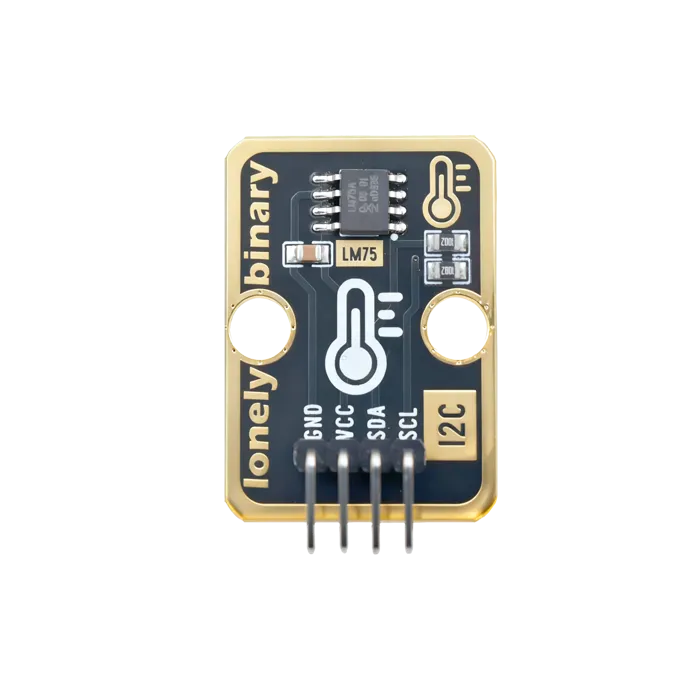
LM75 Temperature Sensor
Digital temperature over I2C, calibrated at the factory. No ADC, no maths, no drift to correct for.
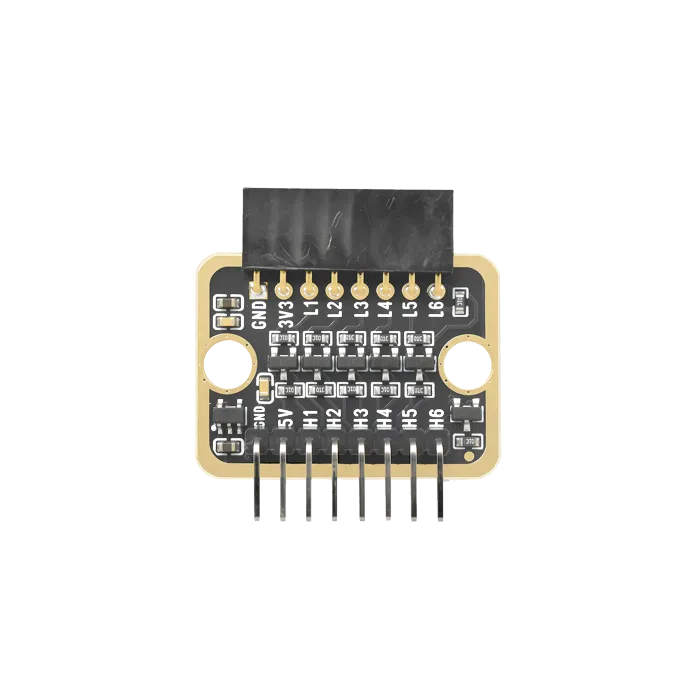
Logic Level Converter
Bidirectional 5 V to 3.3 V translation. The part that stops a 5 V sensor from quietly damaging a 3.3 V board.
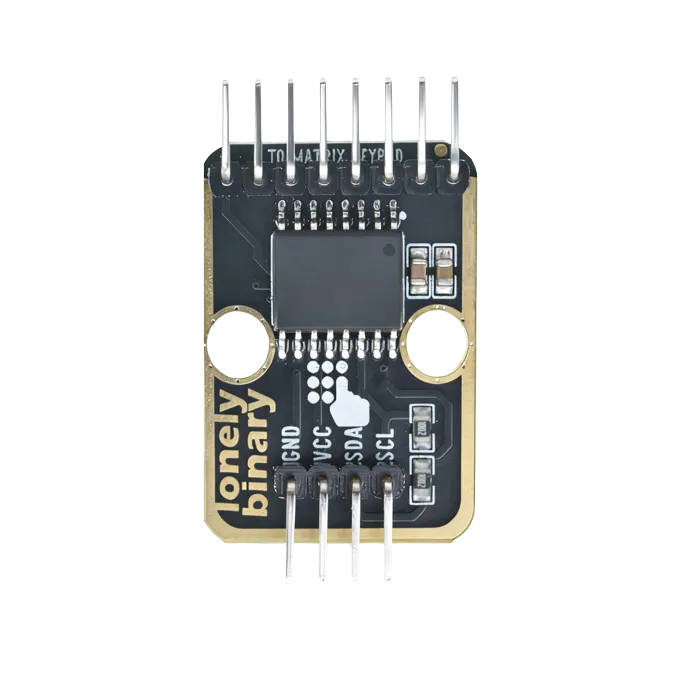
Matrix Keypad with I2C Adapter (4x4, PCF8574)
A 4×4 keypad on two I²C wires instead of eight GPIO pins. The TK85 adapter, the soft and heavy-duty keypads, the two keymaps they need, and how to put two on one bus.
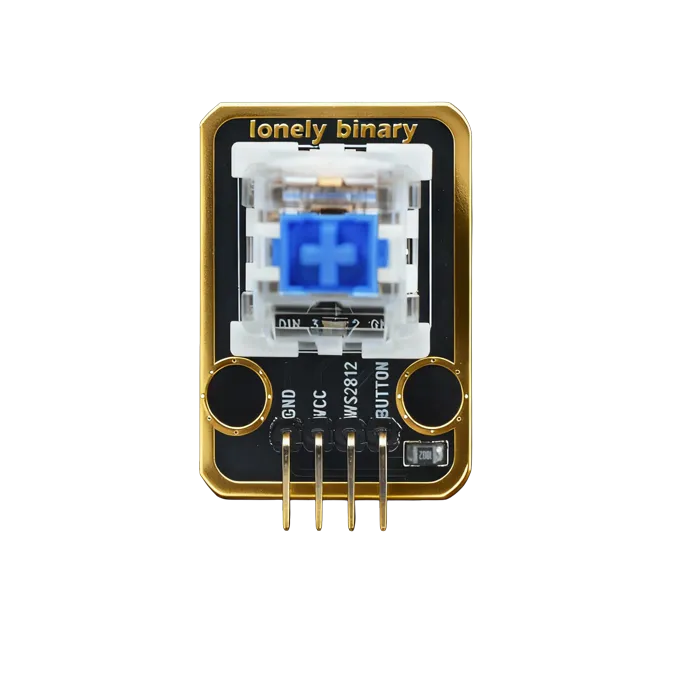
Mechanical Key and LED
A keyboard switch with an LED underneath. Real tactile feedback, and a light to say why it fired — two circuits, not one.
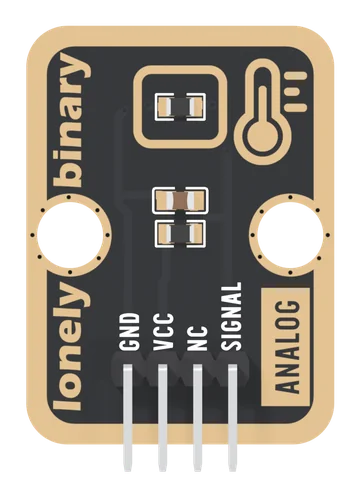
NTC Thermistor
A 10 kΩ NTC thermistor in a divider with a fixed 10 kΩ: SIGNAL is half of VCC at 25 °C and falls as it warms. Read it on any analog pin and turn it into degrees with two lines of arithmetic.
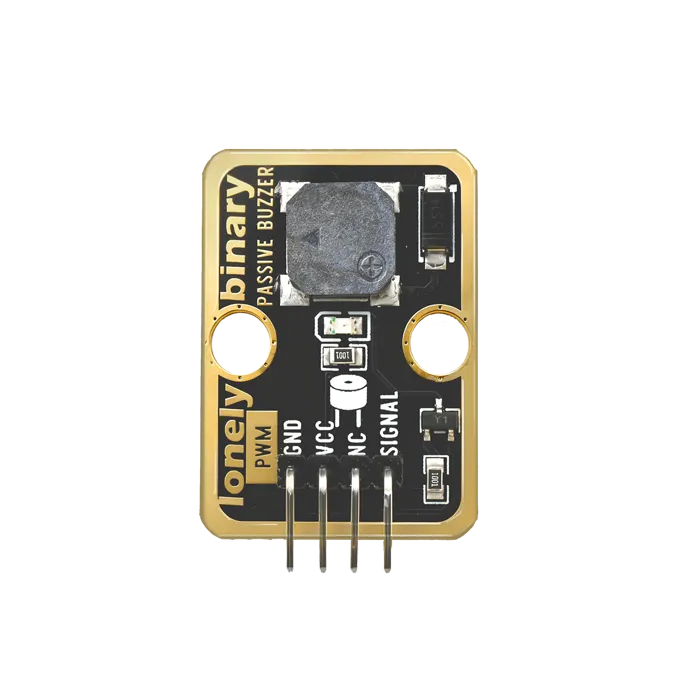
Passive Buzzer
A speaker with no oscillator of its own, so you choose the frequency. This is the one that plays tunes.
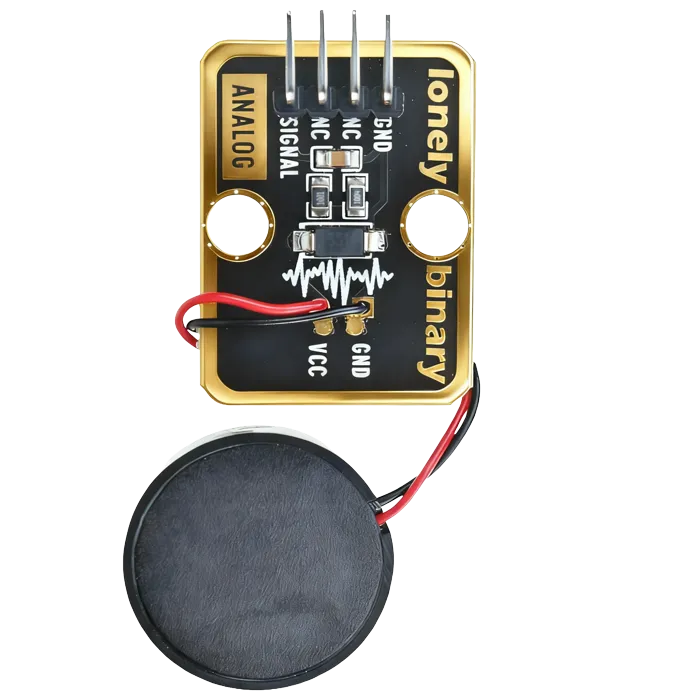
Piezo-Ceramic Sensor
A crystal that makes voltage when it bends. Vibration and impact with an amplitude you can actually read — and it needs no power of its own.
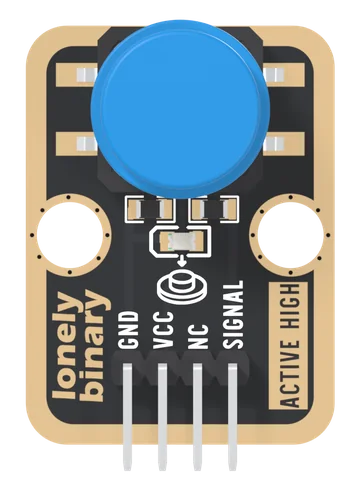
Push Button
A 12 mm momentary push button with its 10 kΩ pull-down and a red press light already fitted: SIGNAL reads HIGH while the button is down. The first input in the kit, and the module that teaches debouncing.
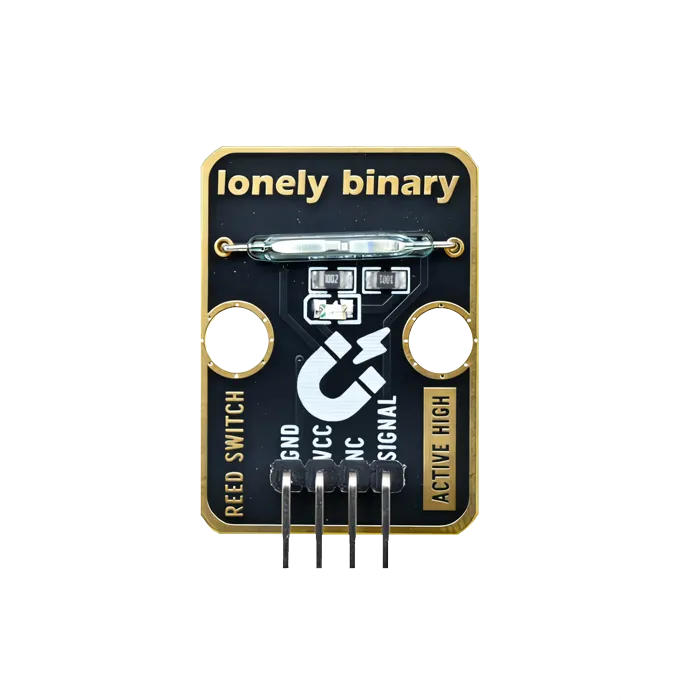
Reed Switch
Two contacts sealed in glass that close near a magnet. The window sensor in every alarm system, and it needs no power to do its job.
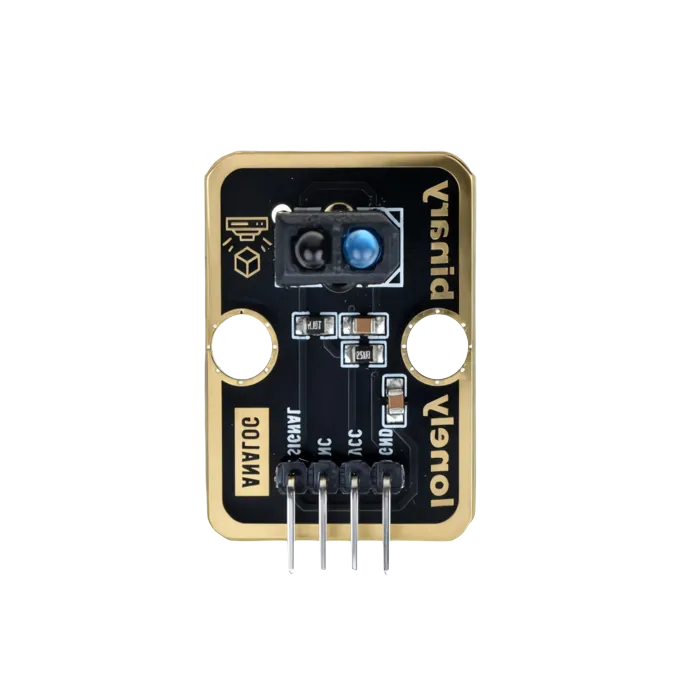
Reflective Optical Sensor
Light out, light back. Line following, edge detection, and counting things going past on a belt — as long as the surface plays fair.
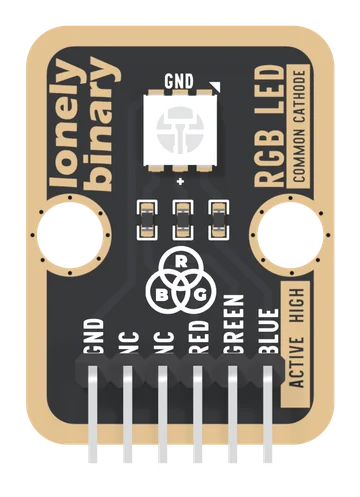
RGB LED
A red, a green and a blue LED in one 5 mm package, each with its own 1 kΩ resistor and its own pin, joined at a common cathode. Three PWM pins mix any colour, and the handbook works out why three equal numbers are not white.
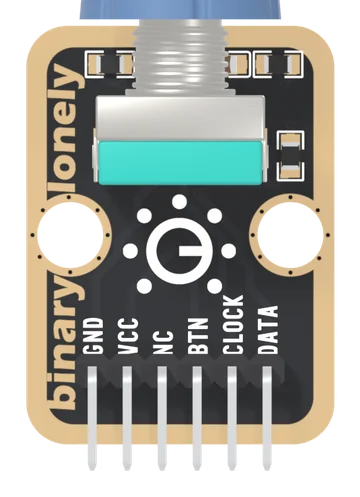
Rotary Encoder
An EC11-type rotary encoder with a push switch in its shaft, its pull-ups, filter capacitors and pull-down already fitted. Two contacts a quarter of a cycle apart give the direction; the program keeps the count. Pushed in, BTN reads HIGH.
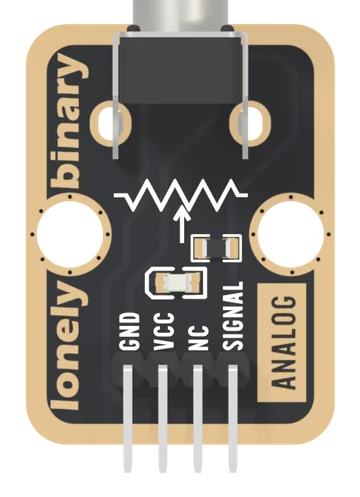
Rotary Potentiometer
A 10 kΩ linear potentiometer with a knob, wired as a voltage divider: SIGNAL gives 0 V to VCC as you turn. A red LED on the wiper glows as you turn up, and it bends the upper part of the reading: hard on 5 V, less on 3.3 V.
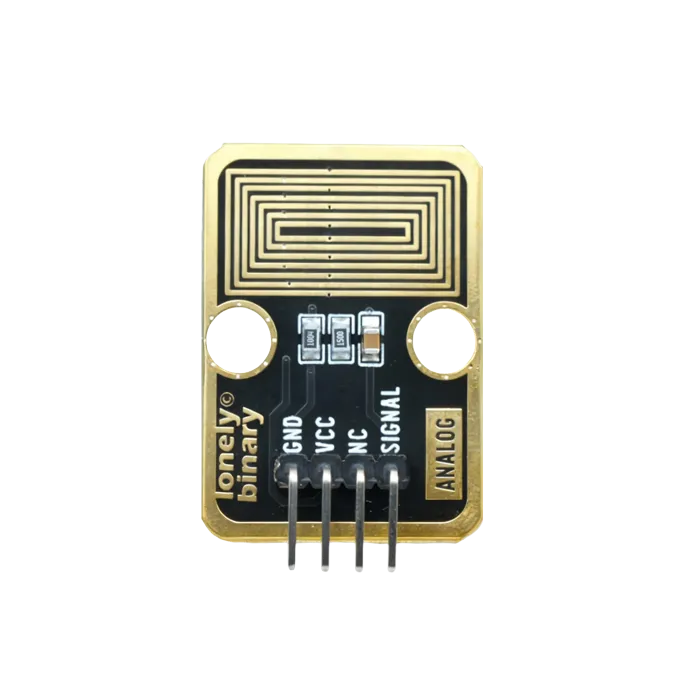
Steam Sensor
Interdigitated traces that read humidity as resistance. Rain, steam, and a plant pot that needs watering — and traces that corrode if you leave it powered.
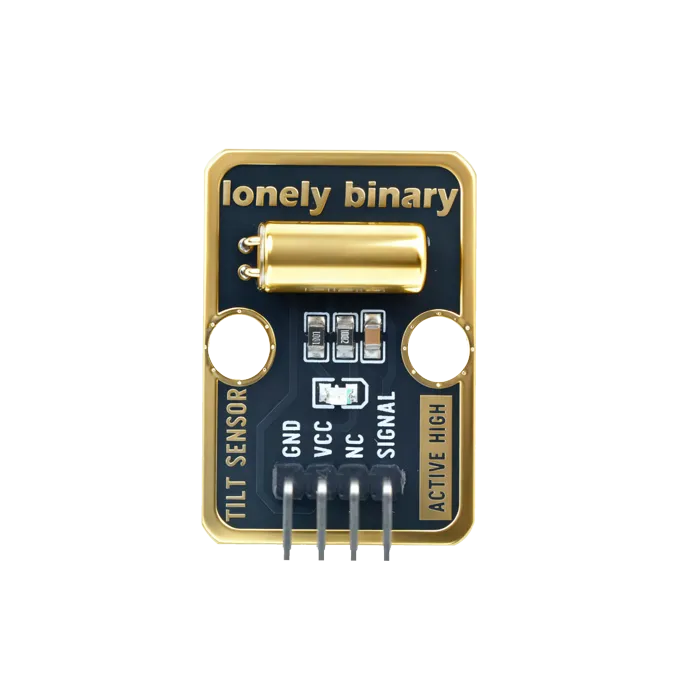
Tilt Sensor
A ball and two contacts. Upright or not, and nothing in between — which is exactly enough for a tilt alarm.
TinkerBlock
Our own modular series — sensors, displays and actuators that share one pin convention, one numbering scheme, and one set of wiring habits.
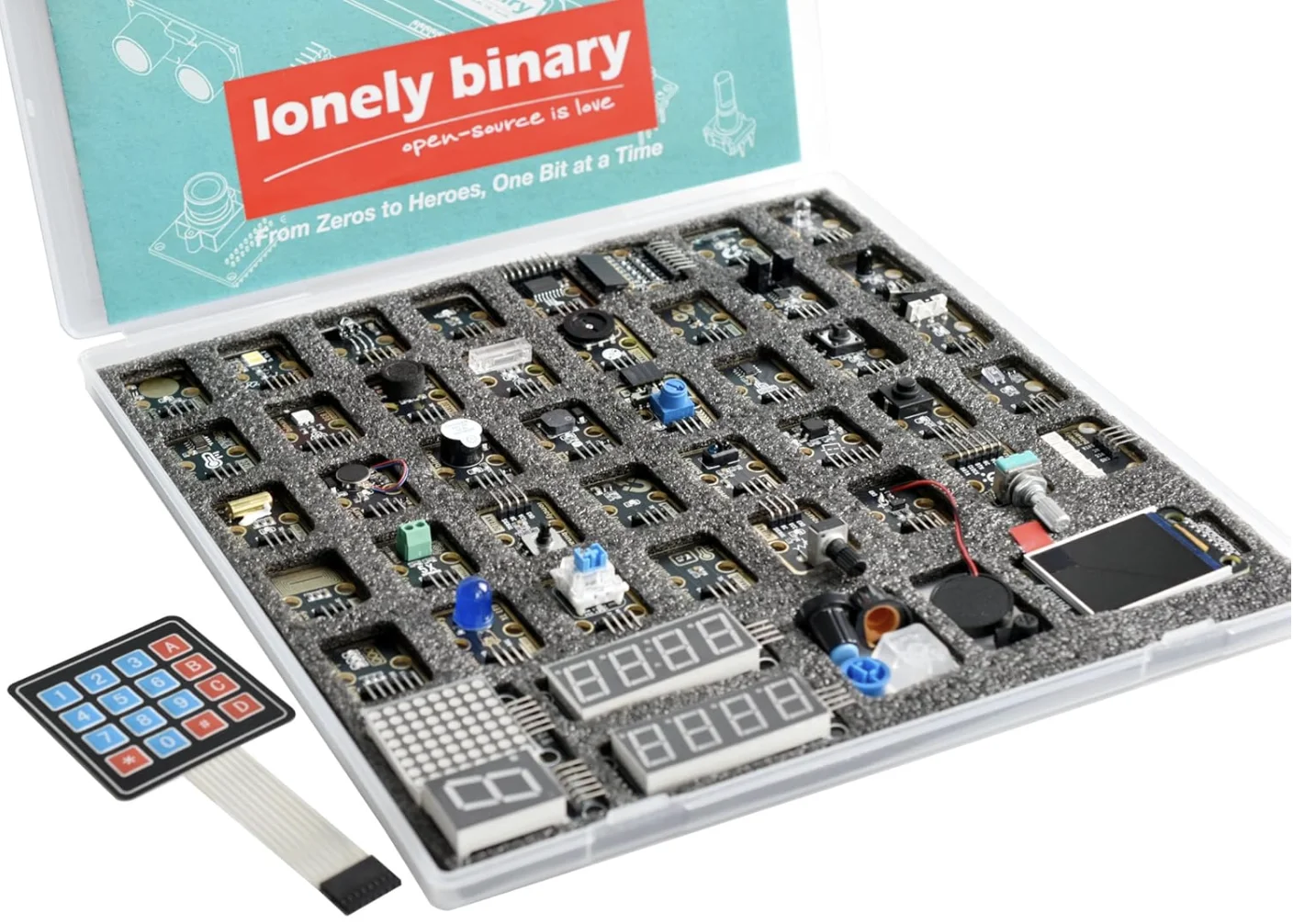
TinkerBlock 46-Piece Sensor Module Kit
Forty-four modules on gold-plated breakouts, sharing one pin convention — and the forty-five-lesson workshop written around them.
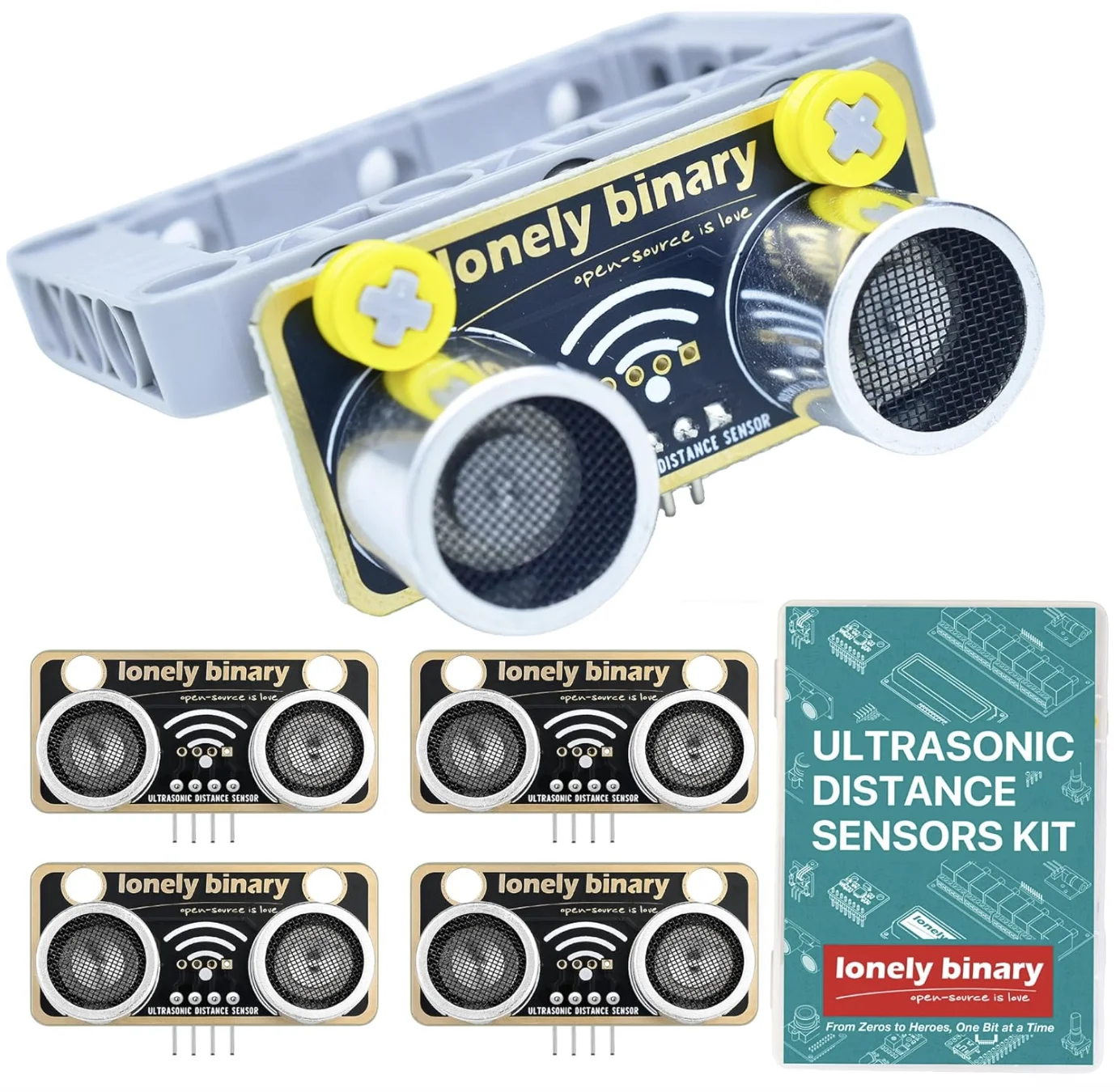
TinkerBlock Ultrasonic Distance Sensor Kit
Distance by echo timing, five to a pack — enough for a robot with a sensor on every side.
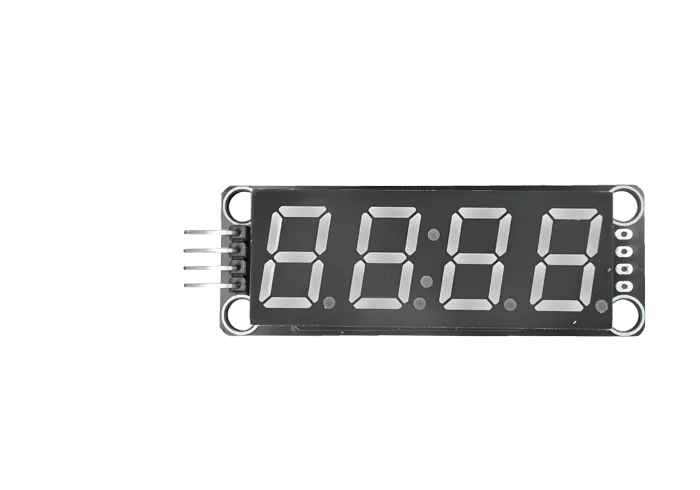
TM1637 4-Digit Display (0.56 inch)
Four seven-segment digits on two ordinary pins. The clock set with its colon, the digit set with decimal points, the TinkerBlock TK51, and the one bit that behaves differently on each.
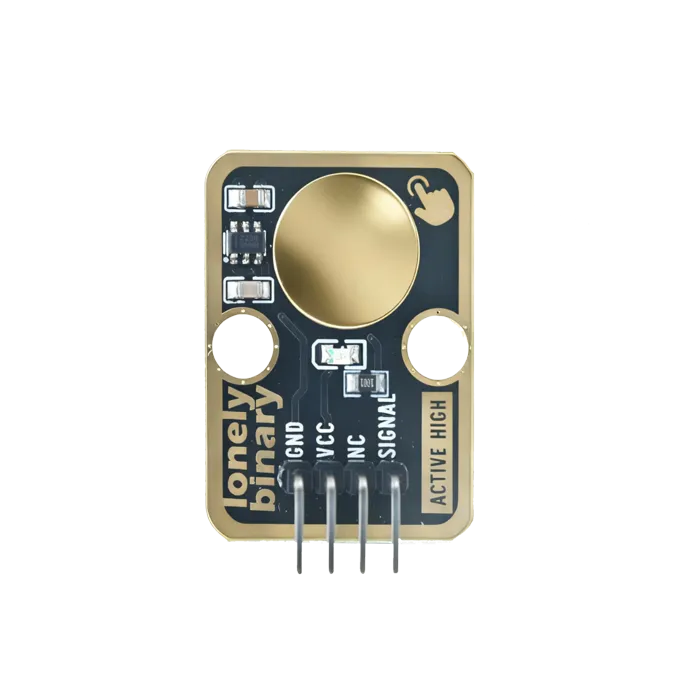
TP223 Touch Sensor
A capacitive pad that behaves like a button and works through a plastic panel — no hole, no moving part, nothing to wear out. This board is wired active-high and momentary, and neither is selectable.
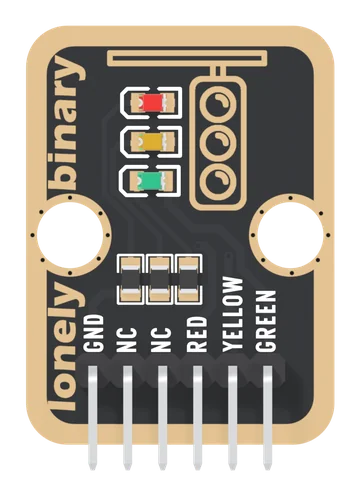
Traffic Light
Red, yellow and green LEDs, each with its own 1 kΩ resistor and its own pin, sharing one GND: three digital outputs, and the first sketch that has to remember what it is doing.
Ultrasonic Distance Sensor
Distance by echo timing, on a chip that speaks four protocols and runs from 3.3 V. Soft and angled surfaces are where it quietly lies to you.
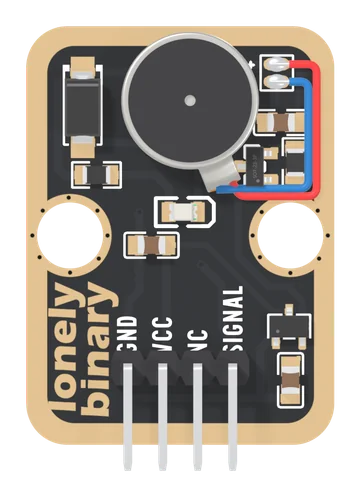
Vibration Motor
A 10 mm coin vibration motor on a TinkerBlock board, switched by a MOSFET and fed from the board's own 3.3 V regulator. SIGNAL HIGH buzzes, LOW stops, analogWrite sets the strength. VCC only feeds the regulator, so 5V on VCC is safe beside a 3.3 V board, and 3V3 or 5V both give the motor about 3.3 V.
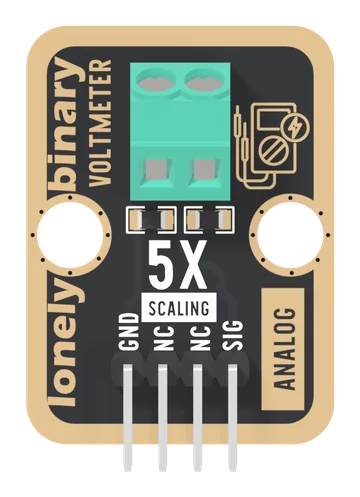
Voltmeter
A 30 kΩ and 7.5 kΩ divider behind a two-screw terminal: SIG is exactly one fifth of the input, so an analog pin can read up to 25 V on a 5 V board and about 15.5 V on a 3.3 V one. DC only, measured from GND.
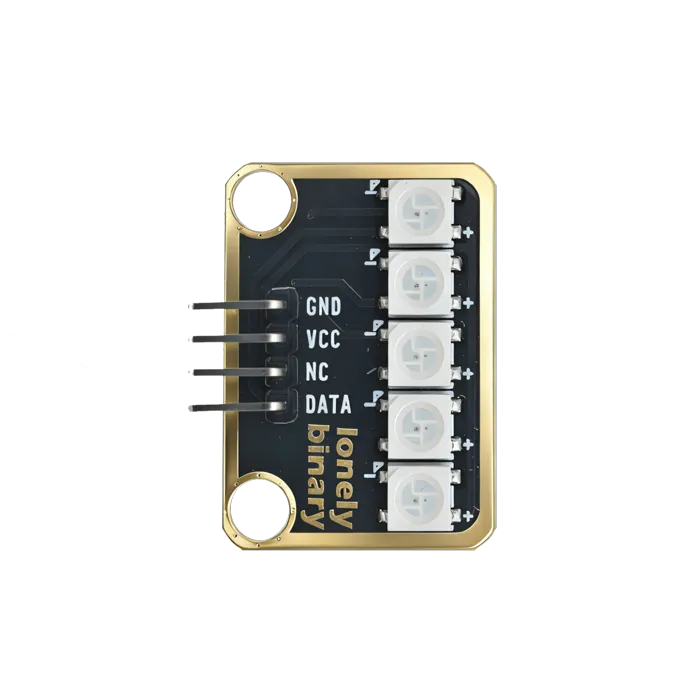
WS2812 RGB LED Bar
Addressable LEDs on a single data line. The timing is strict enough that the library talks to it and you do not.
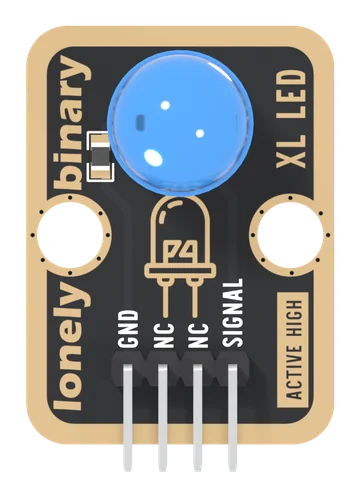
XL LED
A 10 mm blue LED with its 150 Ω resistor already fitted, driven by one pin: the first output most people ever drive, and the light every later lesson uses to show that something happened.
DHT22 and DHT11 Temperature and Humidity Sensors
Two sensors on one board design, one data wire, one library. What each is worth, why the same forty bits decode two ways, and the six-pack that holds three of each.