Specifications
| Type | I2C EEPROM |
|---|---|
| Interface | I2C, address 0x50 by default |
| Endurance | About 1,000,000 writes per cell |
| Retention | Decades |
| Supply voltage | 3.3 V or 5 V |
What it is
Non-volatile memory on two wires. Write a byte, pull the power, come back and it is still there.
The number that matters is endurance: around a million writes per cell, which sounds infinite until you write in a loop. A sketch that saves a sensor reading to the same address every 100 ms burns through a million writes in a day. The fix is to write only when the value has actually changed, or to rotate through addresses so the wear spreads out.
Writes are also slow — about 5 ms each — and the chip ignores you while it is busy. Libraries handle the wait; hand-rolled code that writes in a tight loop silently drops most of it.
Compare with the ESP32's own flash, which is larger and needs no extra part. This is for boards that have no usable non-volatile storage, and for keeping settings somewhere that survives reflashing the firmware.
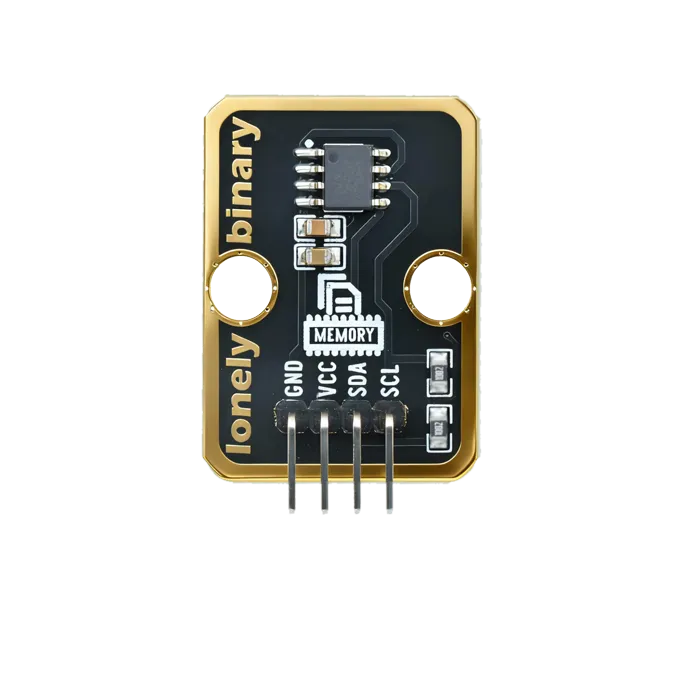
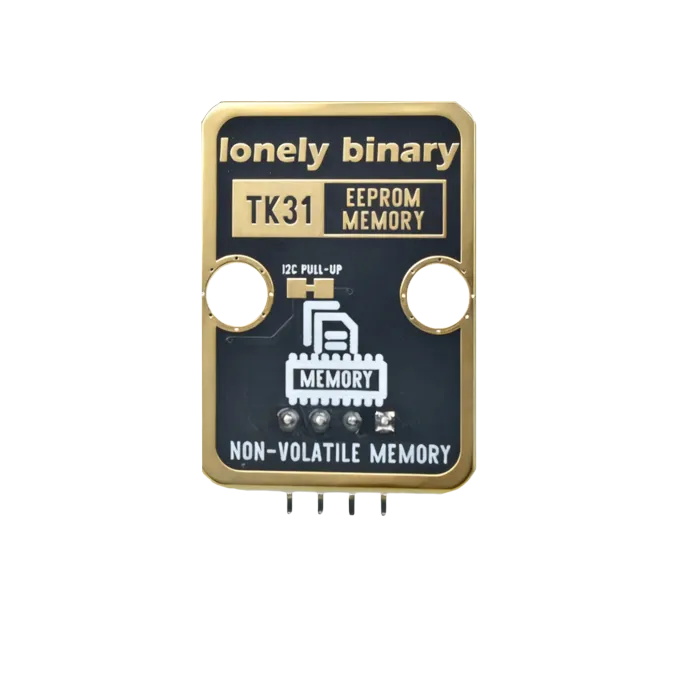
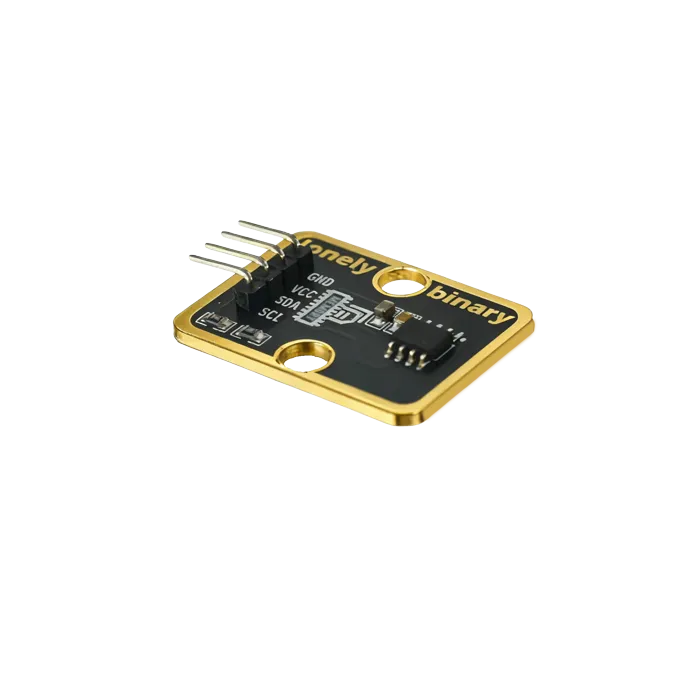
Pinout
- GND (negative): Like the negative terminal (-) of a battery, connect to the control board's GND
- VCC (positive): Like the positive terminal (+) of a battery, connect to the control board's 3.3V or 5V (this module supports both 3.3V and 5V)
- SDA (data line): I2C data line, connect to the control board's SDA pin (Arduino Uno A4 or Pico GPIO 0)
- SCL (clock line): I2C clock line, connect to the control board's SCL pin (Arduino Uno A5 or Pico GPIO 1)
Wiring
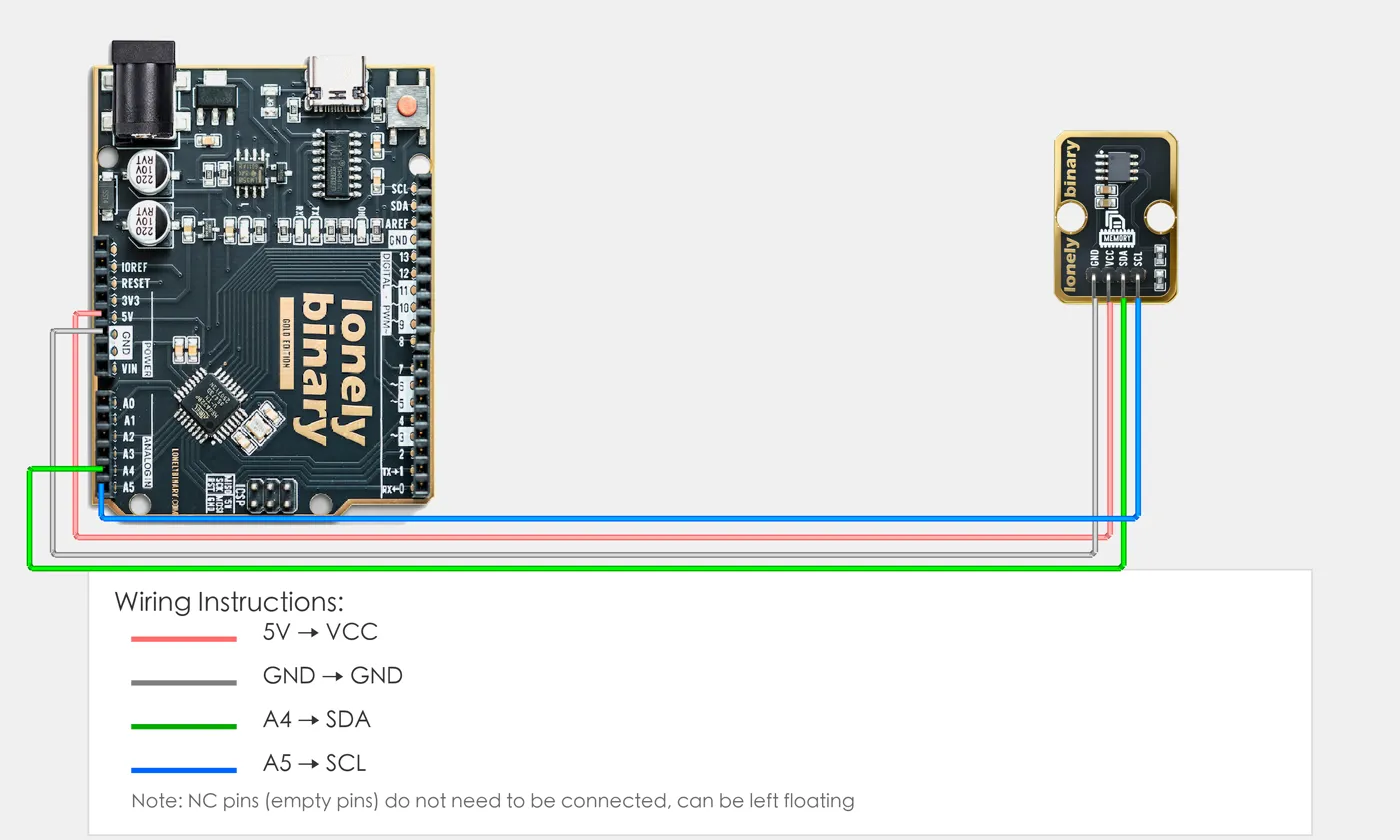
- GND → Control board GND
- VCC → Control board 3.3V or 5V
- SDA → Control board SDA pin
- SCL → Control board SCL pin
Example
// Note: This program requires the Wire library (included with Arduino)
// Arduino Uno R3 I2C pins are fixed: SDA=A4, SCL=A5
#include <Wire.h>  // I2C communication library

// EEPROM address (usually 0x50)
#define EEPROM_ADDR 0x50

void setup() {
  // Start I2C communication
  Wire.begin();

  // Start serial for debugging (9600 baud)
  Serial.begin(9600);

  Serial.println("EEPROM module program started");

  // Write data
  writeEEPROM(0, 123);  // Write data 123 to address 0
  Serial.println("Data written to EEPROM");

  delay(100);  // Wait for write to complete
}

void loop() {
  // Read data
  int data = readEEPROM(0);  // Read data from address 0
  Serial.print("Data read from EEPROM: ");
  Serial.println(data);

  delay(2000);  // Wait 2 seconds
}

// Write EEPROM function
void writeEEPROM(int address, byte data) {
  Wire.beginTransmission(EEPROM_ADDR);
  Wire.write((int)(address >> 8));    // Address high byte
  Wire.write((int)(address & 0xFF));  // Address low byte
  Wire.write(data);                   // Write data
  Wire.endTransmission();
  delay(5);  // Wait for write to complete
}

// Read EEPROM function
byte readEEPROM(int address) {
  byte data = 0;
  Wire.beginTransmission(EEPROM_ADDR);
  Wire.write((int)(address >> 8));    // Address high byte
  Wire.write((int)(address & 0xFF));  // Address low byte
  Wire.endTransmission();
  Wire.requestFrom(EEPROM_ADDR, 1);  // Request 1 byte of data
  if (Wire.available()) {
    data = Wire.read();
  }
  return data;
}# Import required modules
from machine import Pin, I2C # GPIO control and I2C
import time # For delay (time.sleep)
# Define I2C pins
SDA_PIN = 0 # GPIO connected to SDA (e.g. GPIO 0)
SCL_PIN = 1 # GPIO connected to SCL (e.g. GPIO 1)
# EEPROM address (usually 0x50)
EEPROM_ADDR = 0x50
# Create I2C object
i2c = I2C(0, sda=Pin(SDA_PIN), scl=Pin(SCL_PIN), freq=100000)
print("EEPROM module program started")
# Write data function
def write_eeprom(address, data):
# EEPROM requires 16-bit address, needs to be split into high and low bytes
addr_high = (address >> 8) & 0xFF # Address high byte
addr_low = address & 0xFF # Address low byte
# Manually send address and data
i2c.writeto(EEPROM_ADDR, bytes([addr_high, addr_low, data]))
time.sleep(0.01) # Wait for write to complete
# Read data function
def read_eeprom(address):
# EEPROM requires 16-bit address, needs to be split into high and low bytes
addr_high = (address >> 8) & 0xFF # Address high byte
addr_low = address & 0xFF # Address low byte
# Write address first
i2c.writeto(EEPROM_ADDR, bytes([addr_high, addr_low]))
# Then read data
data = i2c.readfrom(EEPROM_ADDR, 1)
return data[0]
# Write data
write_eeprom(0, 123) # Write data 123 to address 0
print("Data written to EEPROM")
time.sleep(0.1) # Wait for write to complete
# Main loop: runs forever
while True:
# Read data
data = read_eeprom(0) # Read data from address 0
print(f"Data read from EEPROM: {data}")
time.sleep(2) # Wait 2 secondsWhen it doesn’t work
- Values come back wrong or as 255.
- Writes need about 5 ms and the chip NAKs while busy. Use a library that waits, or add `delay(5)` after each write.
- Nothing responds on the bus.
- Run an I2C scanner. The address is usually 0x50 but the three address pins can move it to 0x51–0x57.
- It worked for a week then a byte went bad.
- Wear. You are rewriting one address too often — only write on change, or spread writes across a range.