What is on it
An MX-style keyboard switch under an 18 mm frosted keycap, one XL-2020 WS2812B under the switch, a 10 kΩ pull-down and a four-pin header. No capacitor, and no part number for the switch.
Four parts
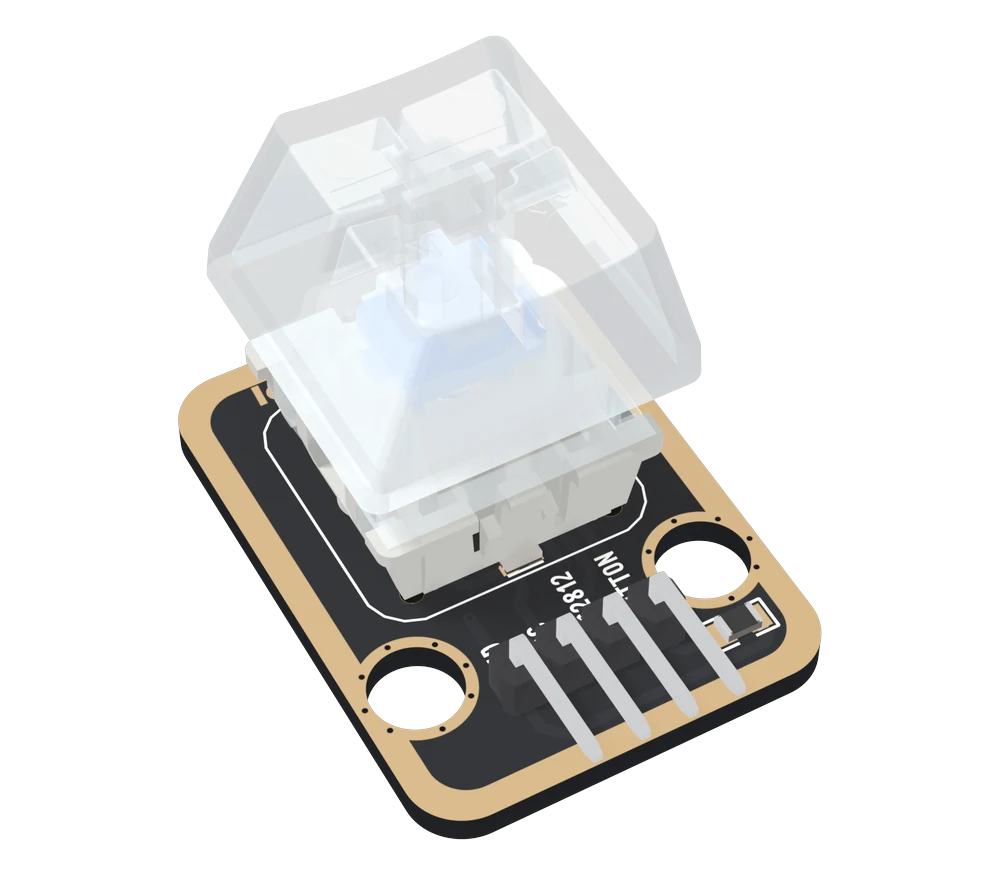
U1, the key. A keyboard switch in the MX style: a cross-shaped stem that takes an MX keycap, a housing that stands on the board, and two contacts soldered through it. One contact is VCC and the other is BUTTON; they touch while the stem is down. The keycap is frosted clear plastic, 18 mm square, and its top stands 22.46 mm over the board.
The parts list names no maker and no model for this switch. So the book says nothing about its operating force or how many presses it is good for. Where a number helps, it quotes Cherry's MX specification as typical of the style: 4 mm of travel, contact made about 2 mm down. The stem is blue, which on keyboards usually means a clicky switch.
LED2, the light. A XINGLIGHT XL-2020RGBC-WS2812B: red, green and blue LED chips and a controller in a package 2 mm square. It sits on the board under the switch's housing and shines up through the clear plastic and the cap. The keycap and the housing hide it; the 3D view shows where it is.
R7, 10 kΩ. From BUTTON to GND. It holds BUTTON at 0 V while the key is up, the job Pressed reads HIGH explains. It is printed 1002: 100 followed by two zeros, 10 000 Ω.
U10, the header. Four right-angle pins, 2.54 mm apart, out of the bottom edge.
What is not there
No capacitor. XINGLIGHT's sheet asks for a decoupling capacitor at each LED and a series resistor in the data line; the board has neither. The TK33 leaves them out too.
The LED's data output goes nowhere: in the net list it is connected to nothing. So a second WS2812 cannot follow this one, and each TK96 needs its own data pin.
The back
When it does not work
The stem is the cross-shaped MX style, so an MX-compatible keycap fits it. Pull the cap straight up; tilting it strains the stem. A solid-coloured cap hides the LED, so pick a clear or shine-through one if you want the light.
The parts list does not name a maker or a model, only a keyboard switch with a clear housing and a blue stem. So this handbook gives no force or life figure for it. Cherry's own MX switches travel 4 mm and close about 2 mm down, which is typical of the style.
There is none on the board, although the LED maker's sheet asks for one at each LED. With one LED, short wires and a board's own supply it is rarely missed. If the colour glitches with long wires or a noisy supply, put 100 nF across VCC and GND at the header.
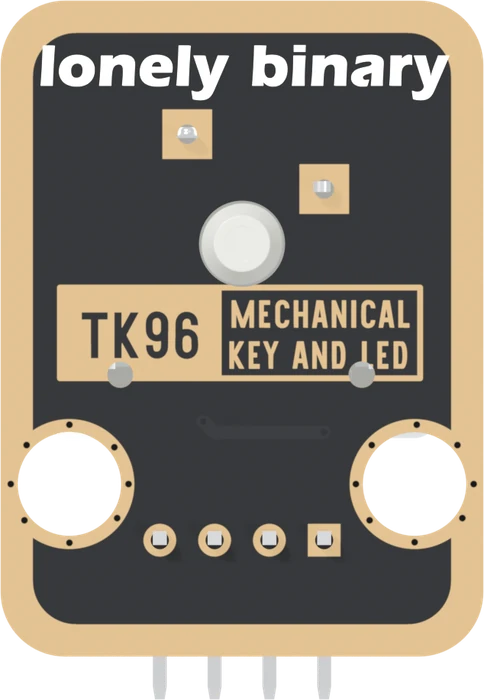
GND, VCC, WS2812 and BUTTON, all of them wired, GND on the square pad.
The four pins →Edit this page — content/books/mechanical-key/what-is-on-it.mdx
Questions about this product
See what other owners have asked, and read their solutions.
Mechanical Key and LED
Loading discussions…
Discuss this article
Ask about this page. The answer stays here, on the page it belongs to, for whoever hits the same wall next.