Specifications
| Type | Five-direction tactile switch |
|---|---|
| Directions | Up, down, left, right, plus centre press |
| Pull-ups | Fitted on the module |
| Supply voltage | 3.3 V or 5 V |
| Output | Five digital lines |
What it is
Not an analog joystick. Five separate momentary switches under one cap, so each
direction is a plain digitalRead.
That makes it the opposite trade from a thumbstick. There is no calibration, no centre offset drifting with temperature, no dead zone to tune, and no ADC pins consumed — but there is also no proportional control. It is a D-pad.
For menus, that is the better part. A thumbstick has to be converted into discrete steps anyway, and doing that well means hysteresis and repeat timing; here the discretisation is mechanical and free.
All five bounce like any other switch, and diagonal presses can close two at once, which is either a feature or something to filter depending on what you are building.
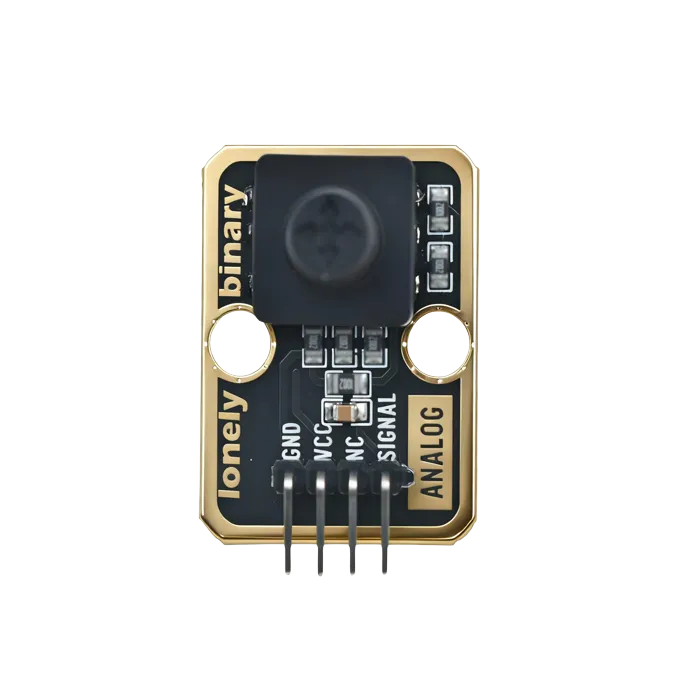
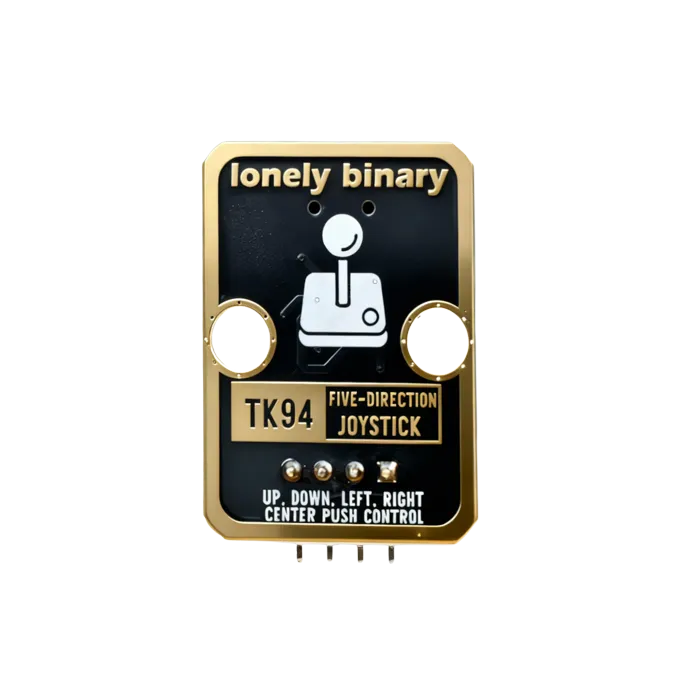
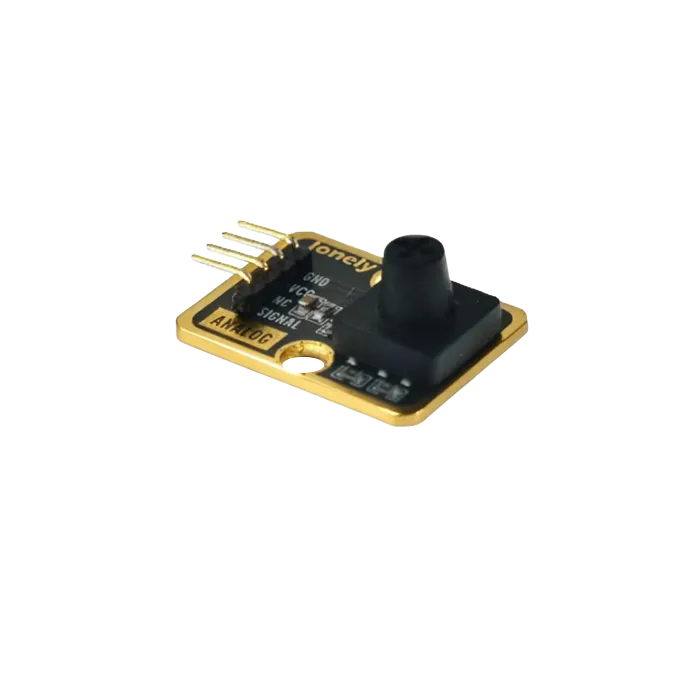
Pinout
- GND (negative): Like the negative terminal (-) of a battery, connect to the control board's GND
- VCC (positive): Like the positive terminal (+) of a battery, connect to the control board's 3.3V or 5V (this module supports both 3.3V and 5V)
- NC (no connection): No actual circuit connection, included for unified interface, can be left unconnected
- SIGNAL (signal output): Joystick direction detection output pin, connect to the control board's analog input pin (e.g. Arduino A0 or Pico GPIO 26)
- Outputs analog signal (0-1023), direction can be determined by reading analog value
- Center value is about 512, pushing up decreases value, pushing down increases value
Wiring
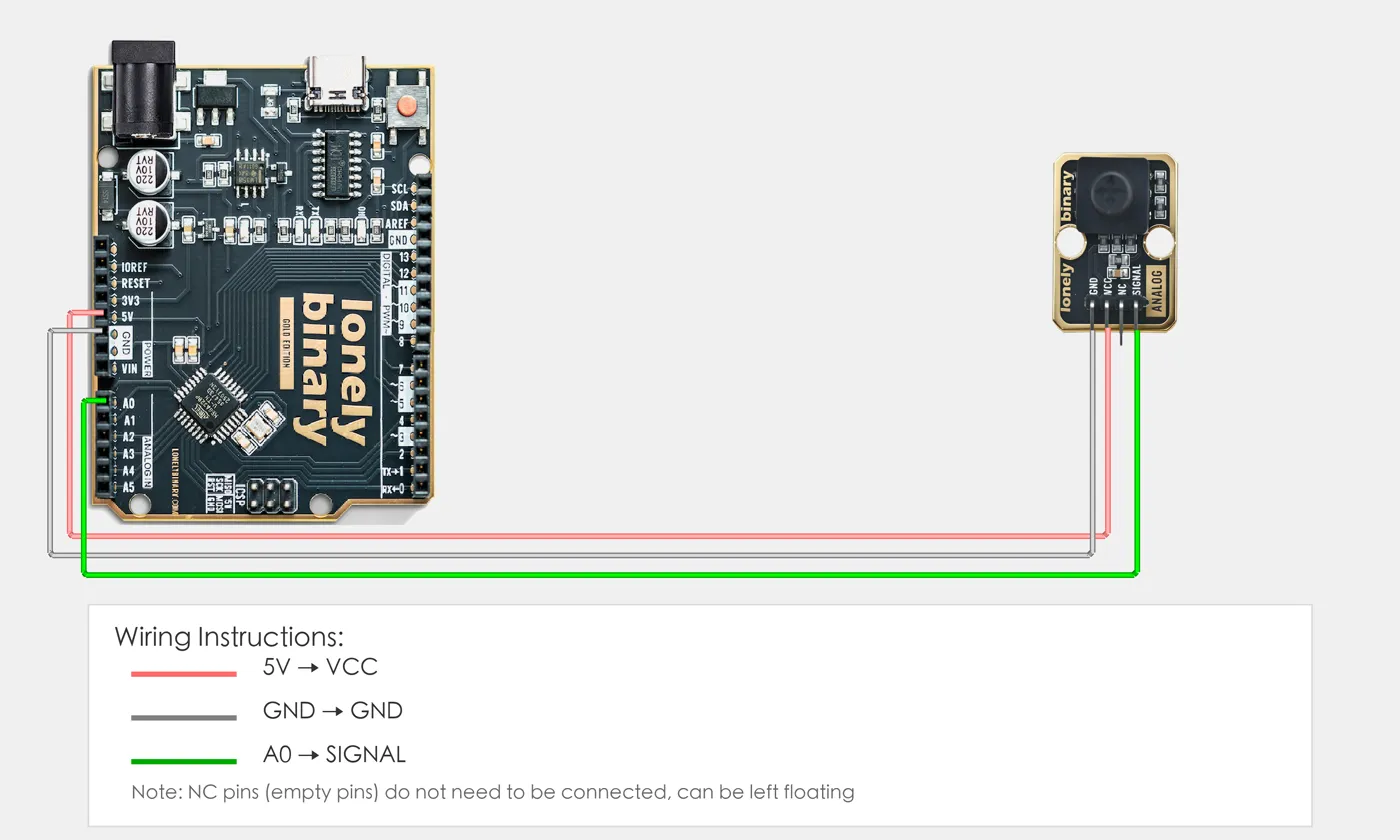
- GND → Control board GND
- VCC → Control board 3.3V or 5V
- SIGNAL → Control board analog input pin (for direction detection)
Example
// Pin number: change this to match your wiring
#define SIGNAL_PIN A0   // Arduino analog input pin connected to SIGNAL (e.g. A0)

void setup() {
  // Start serial for debugging (9600 baud)
  Serial.begin(9600);

  Serial.println("Five-direction joystick program started");
  Serial.println("Reading SIGNAL pin analog value to determine direction");
}

void loop() {
  // Read SIGNAL pin analog value (0-1023)
  int signalValue = analogRead(SIGNAL_PIN);

  // Determine joystick direction (based on actual measured values)
  // Push up: 100-130
  // Push left: 270-290
  // Push down: 450-470
  // Push right: 1000-1024
  // Press: 180-190

  if (signalValue >= 100 && signalValue <= 130) {
    Serial.println("Push up");
  } else if (signalValue >= 270 && signalValue <= 290) {
    Serial.println("Push left");
  } else if (signalValue >= 450 && signalValue <= 470) {
    Serial.println("Push down");
  } else if (signalValue >= 1000 && signalValue <= 1024) {
    Serial.println("Push right");
  } else if (signalValue >= 180 && signalValue <= 190) {
    Serial.println("Press");
  } else {
    Serial.println("Center position");
  }

  // Print joystick status
  Serial.print("SIGNAL value: ");
  Serial.println(signalValue);

  delay(200);  // Wait 200 milliseconds before reading again
}# Import required modules
from machine import Pin, ADC # GPIO control and ADC
import time # For delay (time.sleep)
# Pin number: change this to match your wiring
SIGNAL_PIN = 26 # GPIO connected to SIGNAL (e.g. GPIO 26, must be ADC pin)
# Create ADC object
signal = ADC(Pin(SIGNAL_PIN)) # Set SIGNAL pin as ADC mode (to read analog signal)
print("Five-direction joystick program started")
print("Reading SIGNAL pin analog value to determine direction")
# Main loop: runs forever
while True:
# Read SIGNAL pin analog value (0-65535)
# Note: Pico ADC value is 0-65535, Arduino is 0-1023
# Conversion formula: Pico value = Arduino value * 65535 / 1024 ≈ Arduino value * 64
signal_value = signal.read_u16()
# Determine joystick direction (based on actual measured values, converted to Pico ADC range)
# Arduino value → Pico value:
# Push up: 100-130 → 6400-8320
# Push left: 270-290 → 17280-18560
# Push down: 450-470 → 28800-30080
# Push right: 1000-1024 → 64000-65535
# Press: 180-190 → 11520-12160
if signal_value >= 6400 and signal_value <= 8320:
print("Push up")
elif signal_value >= 17280 and signal_value <= 18560:
print("Push left")
elif signal_value >= 28800 and signal_value <= 30080:
print("Push down")
elif signal_value >= 64000 and signal_value <= 65535:
print("Push right")
elif signal_value >= 11520 and signal_value <= 12160:
print("Press")
else:
print("Center position")
# Print joystick status
print(f"SIGNAL value: {signal_value}")
time.sleep(0.2) # Wait 200 milliseconds before reading againWhen it doesn’t work
- Presses register several times.
- Five switches, five sets of contact bounce. Debounce each line, or use a library that handles a whole set.
- Two directions read together.
- A diagonal press genuinely closes two. Decide whether that is a diagonal or an error, and filter accordingly.
- I expected analog values.
- Wrong part — this is five switches. An analog thumbstick reports two ADC values instead.